General Overview
Start ScreenVIVA Plus
11
Start Screen
The start screen is the standard display which appears when the
mobile phone is switched on. The start screen contains various
useful indicators. In addition to the time and date, icons indicating
the battery charge and network availability are also displayed.
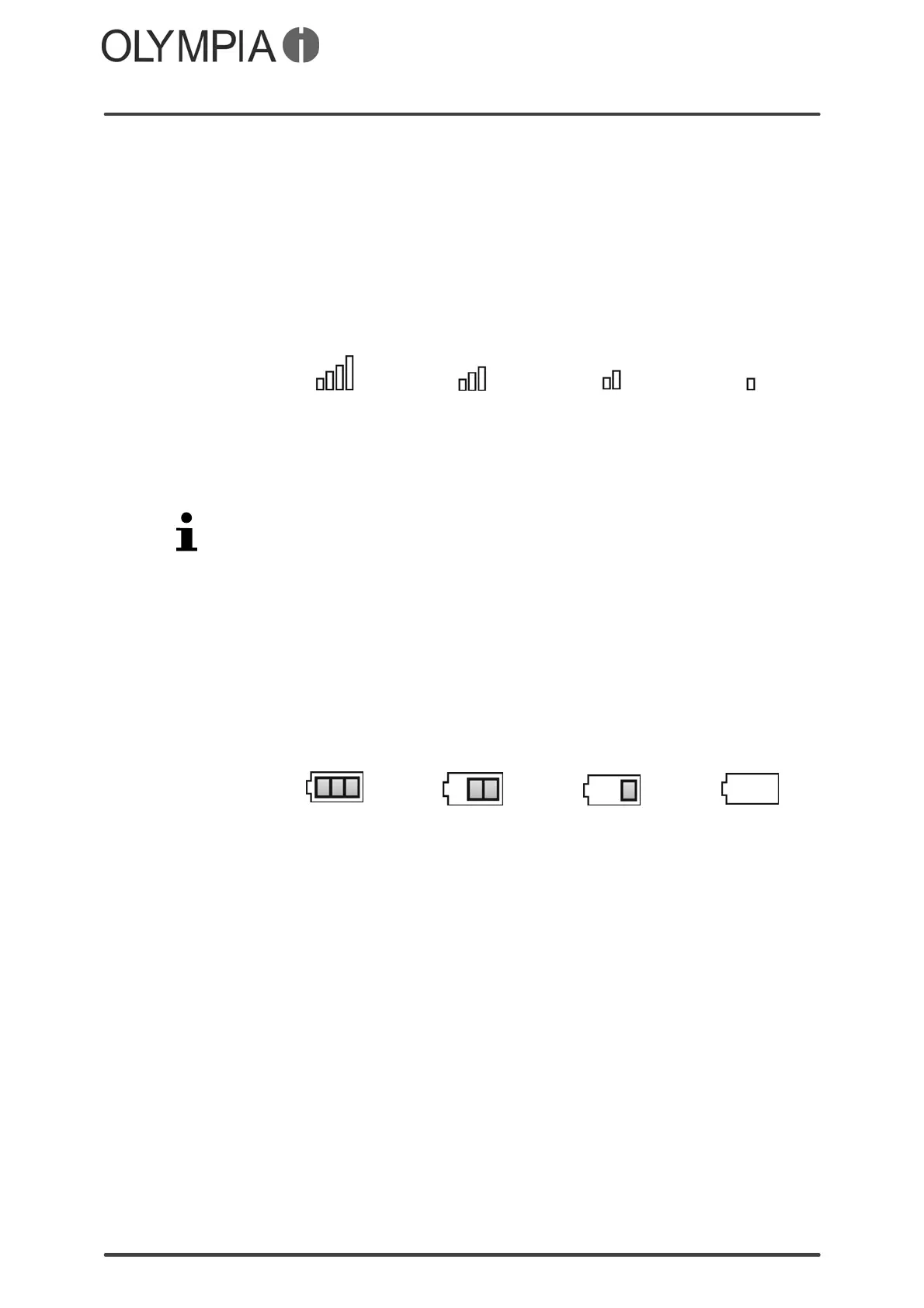
Display of the network availability
The current network availability is displayed graphically at the top
left of the mobile phone screen:
Very good … … Poor
The more bars in the display icon the better the reception quality.
Some mobile phone networks offer better coverage than others in
different areas.
If you use the dual SIM function offered by the mobile phone, the
network availability and name of each mobile phone network used
is displayed.
Display of the mobile phone network
The name of the mobile phone network appears in the center of
the screen above the time display.
Display of the battery charge
The current battery charge status is indicated in the mobile phone
screen as follows:
Full Half empty Low Empty
When the battery charge is low, a corresponding warning message
appears in the display.
NOTE In cases where the battery charge is extremely low, it is possible
that the back-lighting for the screen no longer works and certain
functions are no longer available. Charge the battery in the mobile
phone.
NOTE When the battery charge drops below a minimum status, the mo
bile phone switches off automatically.



 To Next Page