- 19 -
Sample Holders
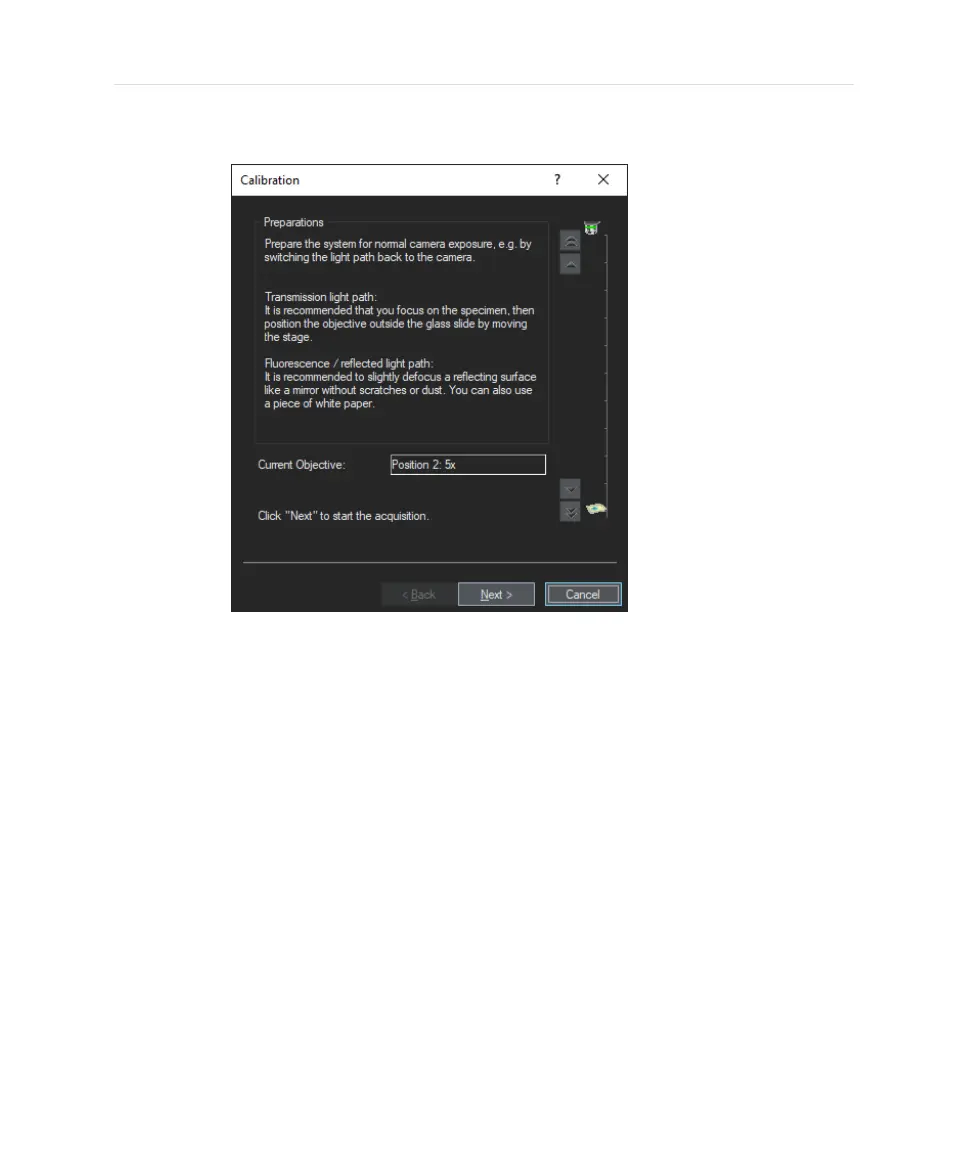
6. Go to an empty part of the sample and defocus such that no structures are
visible any more on the display area on the left side.
Usually, this can be done by moving the stage a low position of the Z-
range. A Z-movement can either be performed by joystick or by the buttons
in the “Calibration” dialog box. The relative position of the sample in the
calibrated Z-range is displayed on the right side.
19


 To Next Page