OLYMPUS CIX100 Cleanliness Inspector System
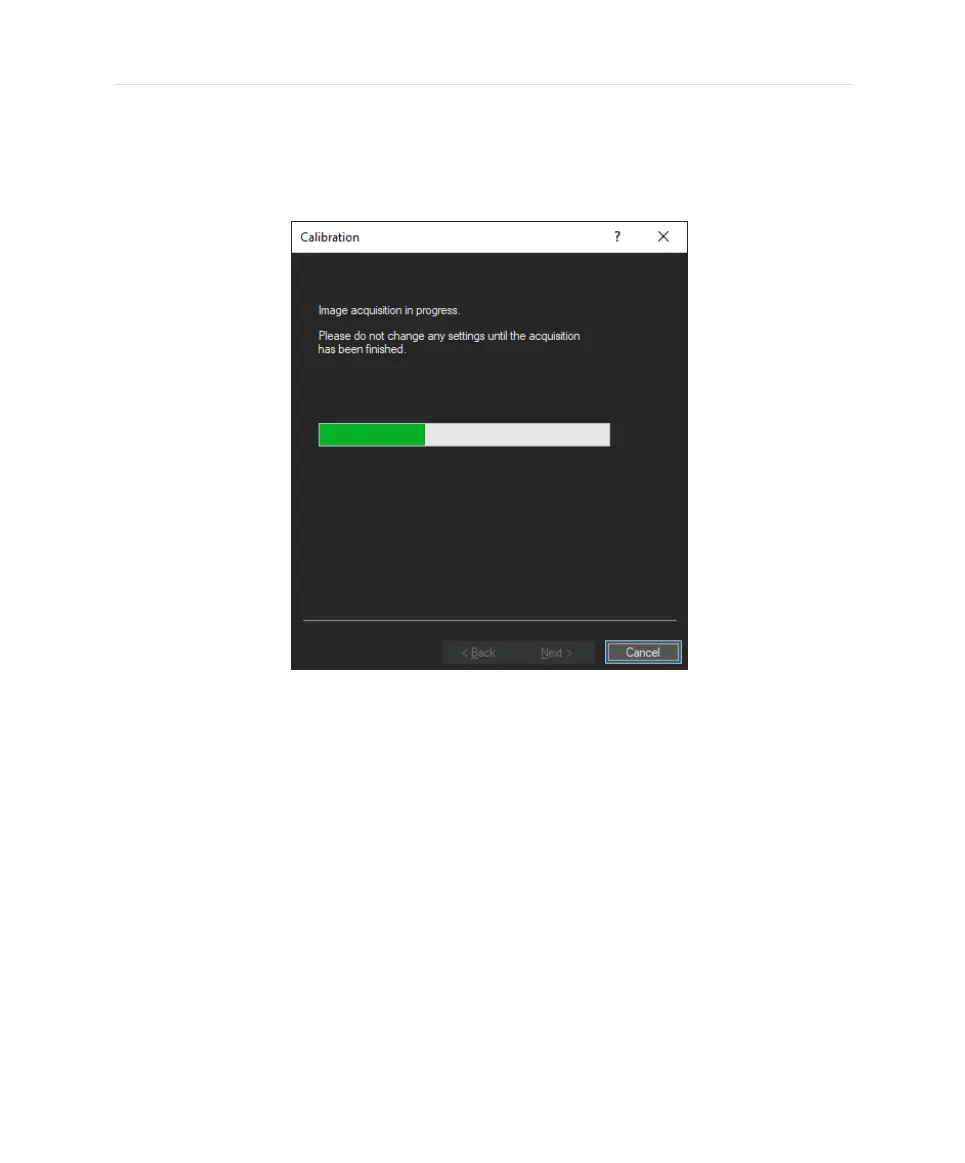
7. Click [Next>] to allow the system to acquire the correction images for all
objectives in your system.
l
A green bar indicates the progress. Do not change any settings until
the acquisition has been finished.
8. Follow the software instructions in the dialog box and click [Next >] to
continue with the following objective.
20


 To Next Page