- 35 -
Sample Holders
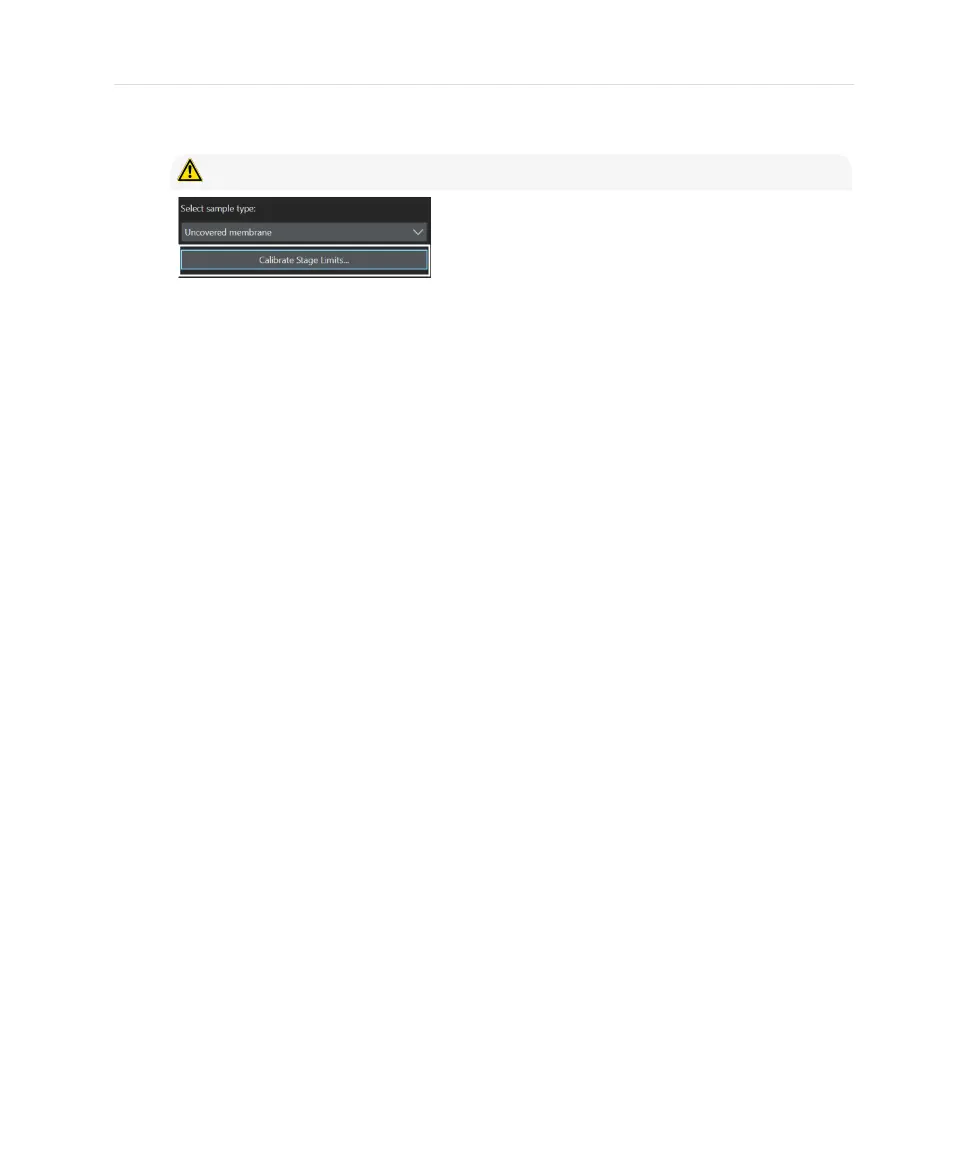
To do this, click [Calibrate Stage Limits].
CAUTION - The stage is moving!
Follow the instructions given by the dialog box and described in the CIX ASW
software’s help. For a recalibration of Z, mark [Z Axis] in the appropriate step. After
the calibration, your system automatically returns to the [Mount Sample] step of
your inspection workflow.
Now you are ready to continue with your sample inspection. For details, please
refer to the CIX ASW software’s help.
35


 To Next Page