38
Running DSS Player
1
Start Windows.
2
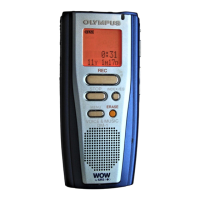
Connecting the DM-1 to your
PC.
For the connection procedure,
refer to “Connecting to Your PC”
(→P.36).
3
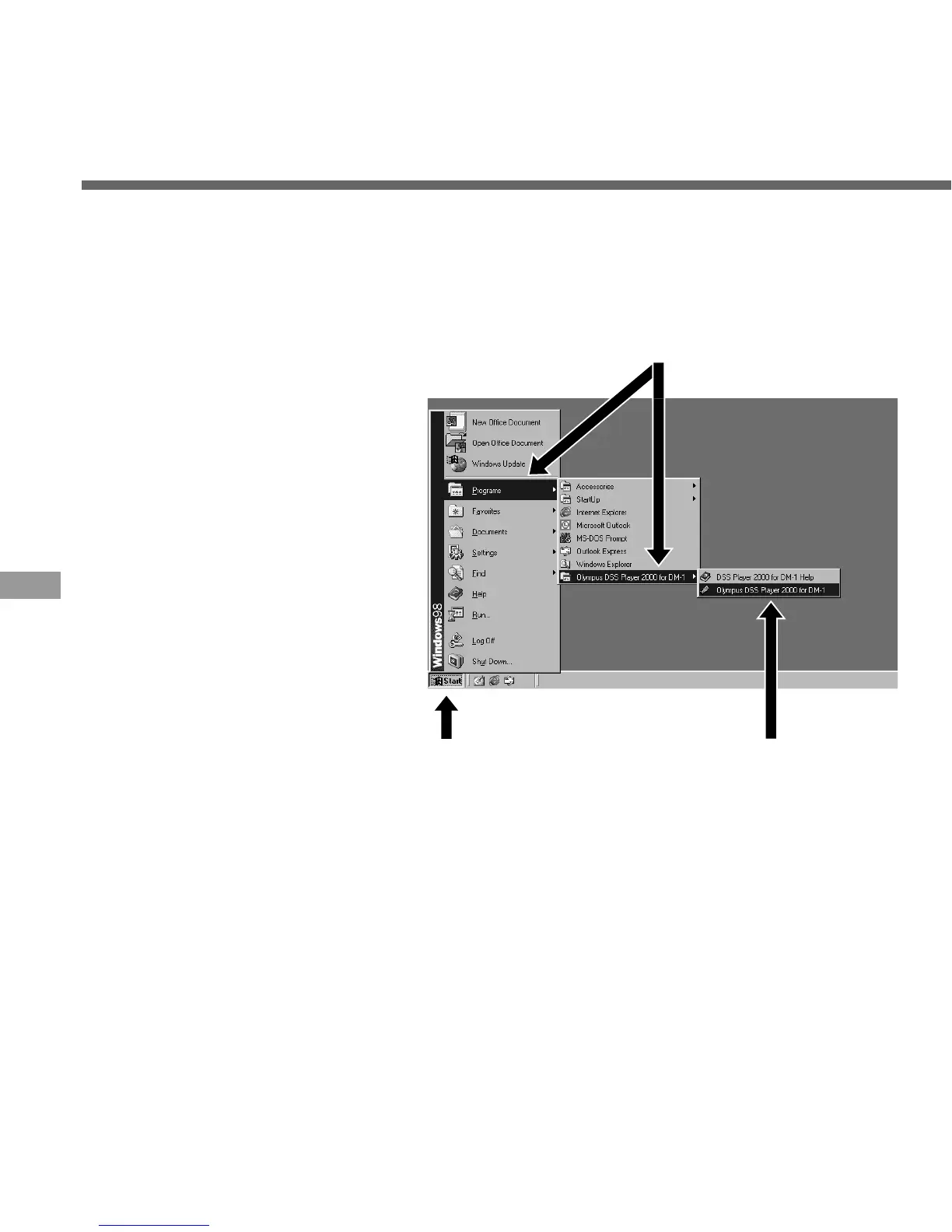
Click on the [Start] button.
4
Point to <Programs>, then
choose “Olympus DSS
Player 2000 for DM-1”.
5
Click on the <Olympus DSS
Player 2000 for DM-1>
button.
Before disconnecting the DM-1 from
your PC, refer to “Disconnecting from
Your PC” (→P.37).
·······················································································································································
Note
You will not be able to run the included DSS Player 2000 for DM-1 and DSS Player 3.0/3.1/3.5 for DS-150/320
at the same time.
It is assumed that the DSS Player has been installed.
If you connect the DM-1 before installing DSS Player, the “Add New Hardware Wizard” dialog box
will open. If this happens, click on [Cancel] to exit the wizard, then install DSS Player.
Running DSS Player
3 5
4



 To Next Page