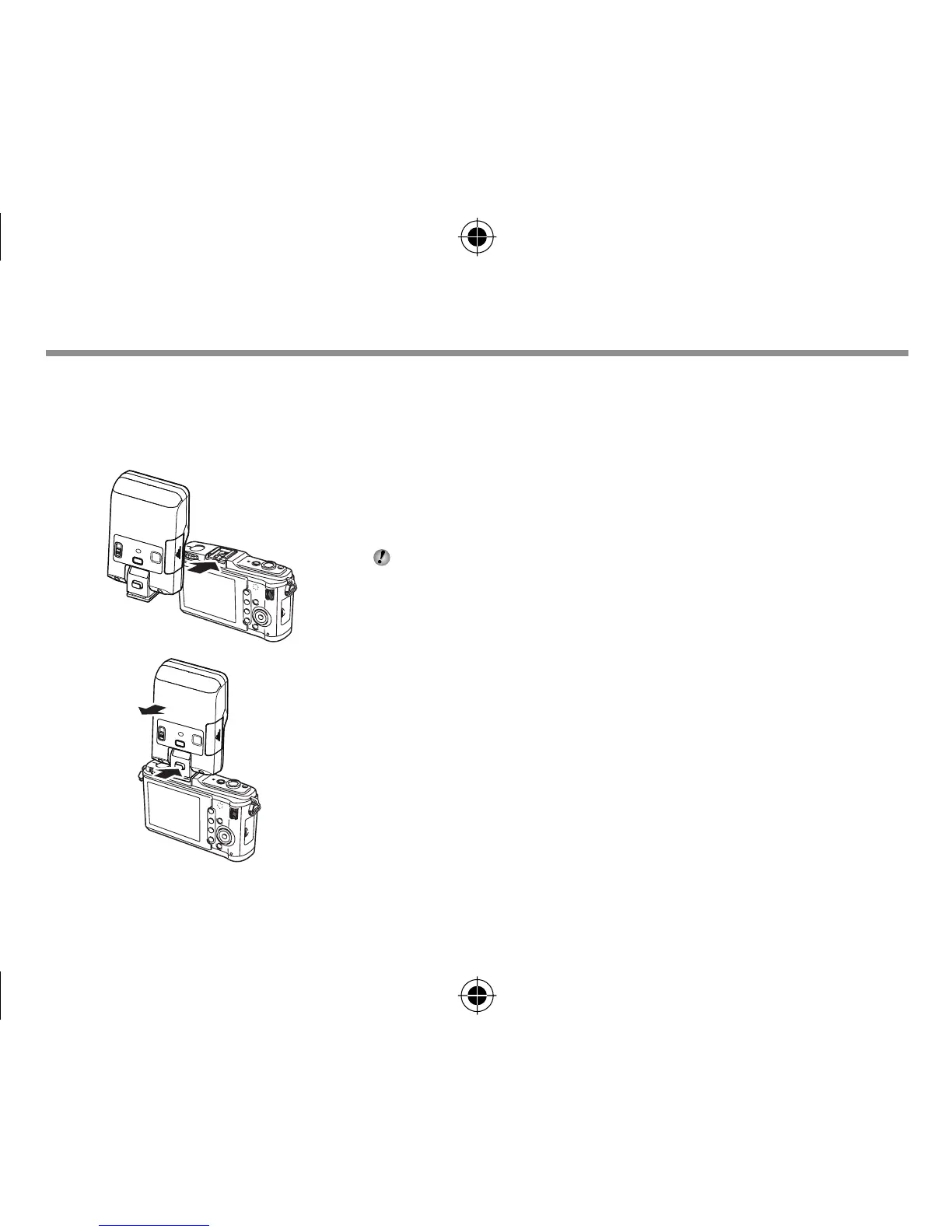
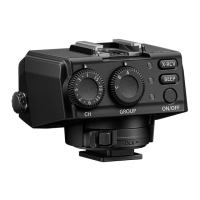
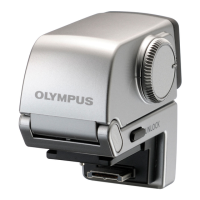
Attaching to the camera
x
Notes
Confi rm that both the camera and electronic fl ash are off. Attaching or removing the electronic
fl ash while either the fl ash or the camera is on may result in malfunction.
1
2
1
Remove the camera hot shoe cover and slide the
fl ash securely into the hot shoe until it clicks into
place (
1
).
Do not attach this fl ash with the built-in fl ash raised, or
the built-in fl ash may get broken.
Remove the fl ash while pressing the lock release button
(
2
).
If the camera has an external fl ash connector, a fl ash bracket
and bracket cable (sold separately) can be attached.
•
bookR2190Unified.indb8bookR2190Unified.indb8 2011/03/2111:25:002011/03/2111:25:00



 To Next Page