16
EN
Attaching the wireless receiver Attaching the wireless receiver
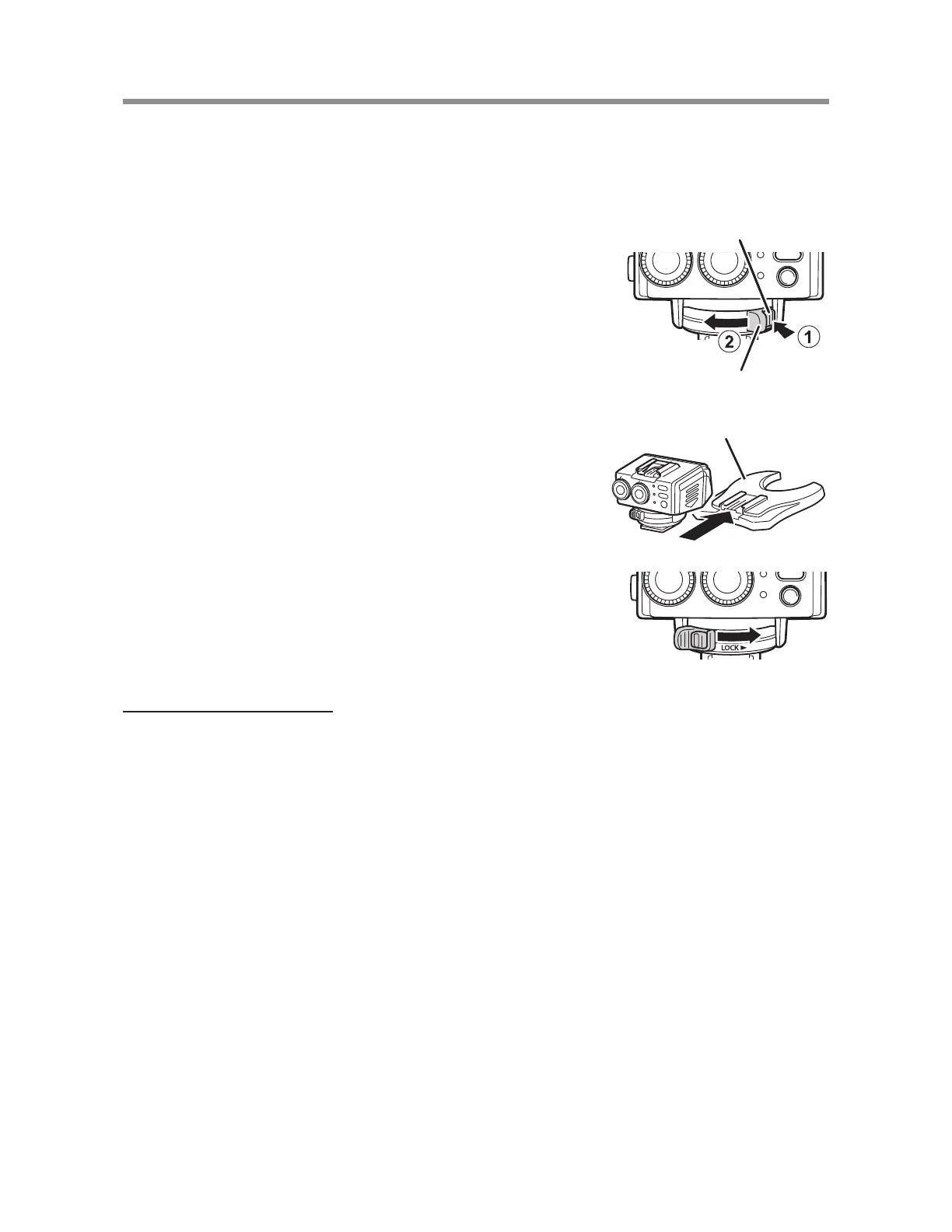
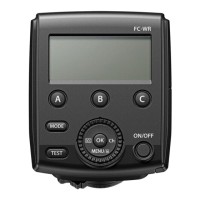
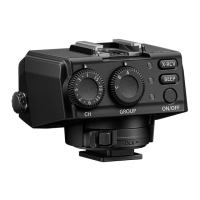
This procedure describes how to attach the wireless receiver to a separate fl ash
stand (FLST-1).
If you are attaching the wireless receiver to a commercial shoe adapter, refer to
the instruction manual for the shoe adapter.
1
Hold down the latch release button (
1
), and
slide the latch in the direction of the arrow (
2
).
Latch release button
Latch
2
Insert the receiver all the way into the fl ash
stand.
Flash stand
3
Slide the latch in the direction of the arrow.
Removing the receiver
Perform Step 1 of the above procedure and remove the receiver from the fl ash
stand.


 To Next Page