17
EN
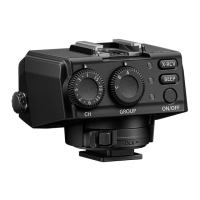
Attaching the fl ash to the wireless receiver Attaching the fl ash to the wireless receiver
If you are attaching a commercial fl ash to the wireless receiver, refer to the
instruction manual for the fl ash.
x
Make sure that both the receiver and the fl ash are turned off.
x
Dirt or moisture on the electrical contacts may cause a malfunction. Wipe off any
dirt or moisture before you attach the fl ash to the receiver.
1
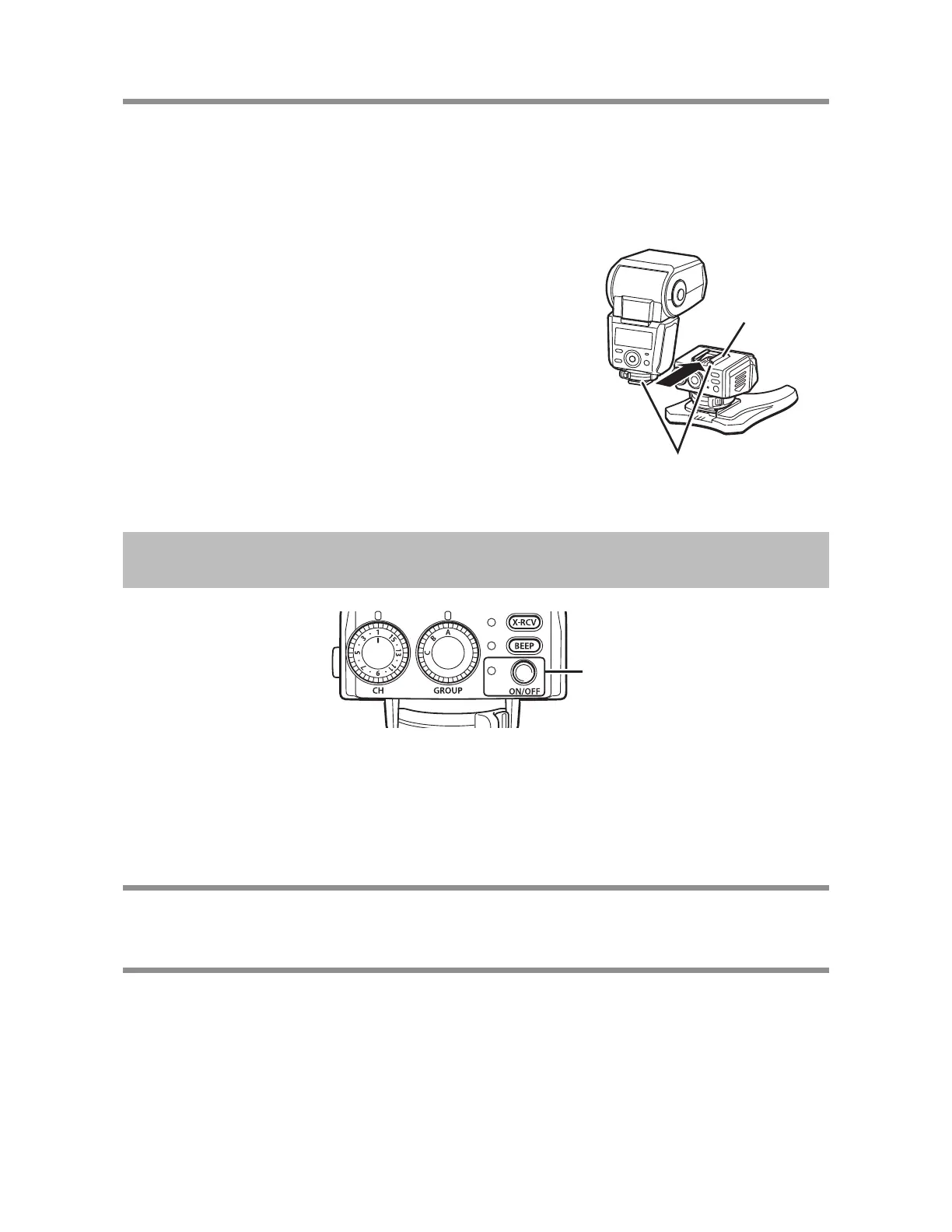
Insert the fl ash all the way into the hot shoe of
the receiver.
Hot shoe
Electrical contacts
Turning on the Power
ON/OFF lamp/
button
1
Press the ON/OFF button.
x
If the ON/OFF lamp fl ashes, the batteries are running very low. Replace the
batteries as soon as possible.
Turning off the powerTurning off the power
Press the ON/OFF button.
Automatic power offAutomatic power off
If approximately 60 minutes elapse with no operations, the power will turn off
automatically. Press the ON/OFF button when you want to use the receiver
again.


 To Next Page