Menu Setting Method
9
Press the `/
OK
or 9 button.
8
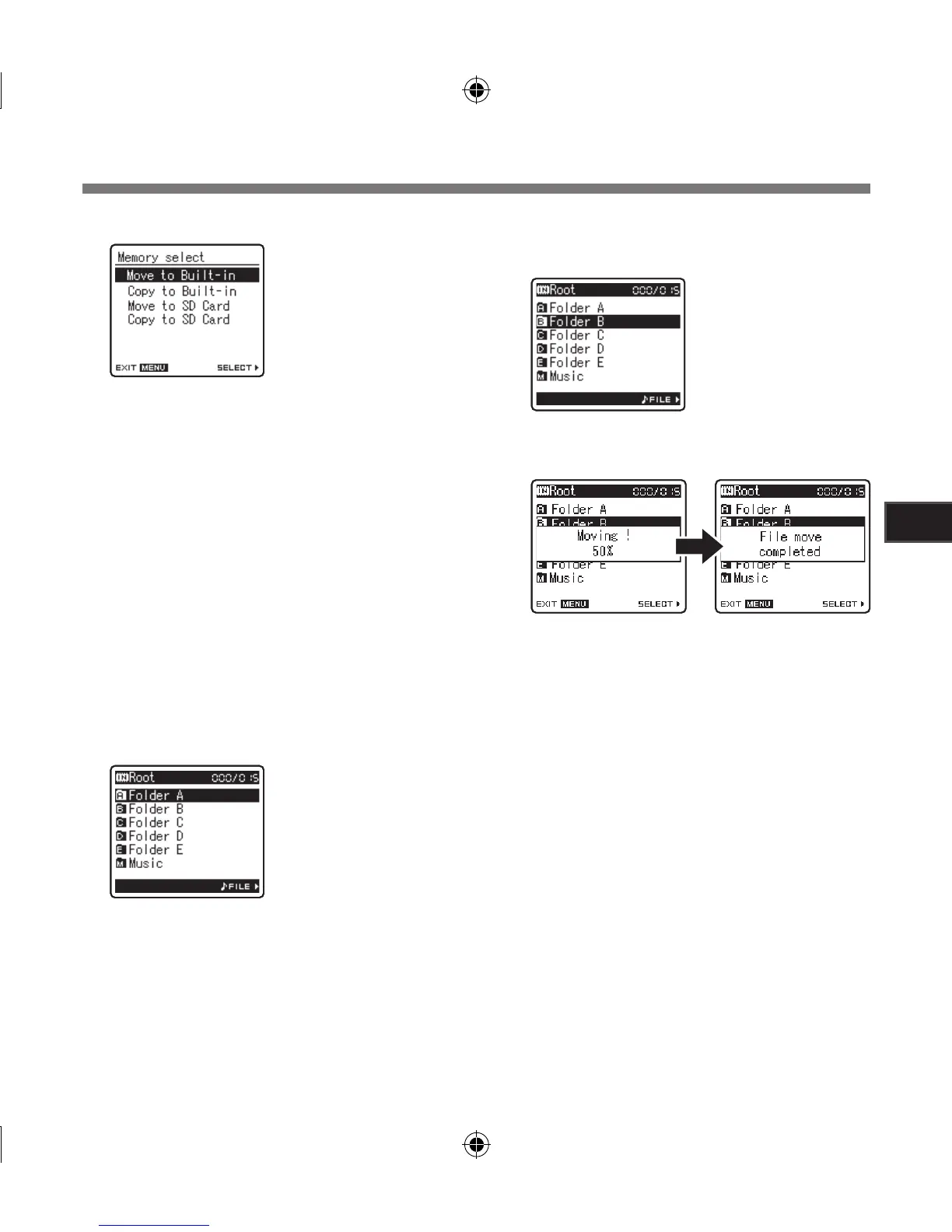
Press the 2 or 3 button to choose the
position to move or copy the file to.
[Move to Built-in]:
Move a file in the built-in memory or SD card to
another folder within the built-in memory.
[Copy to Built-in]:
Copy a file in the built-in memory or SD
card to another folder within the built-in
memory.
[Move to SD Card]:
Move a file in the built-in memory or SD card
to another folder in the SD card.
[Copy to SD Card]:
Copy a file in the built-in memory or SD card
to another folder in the SD card.
10
Press the 2 or 3 button to select the
folder you want to move or copy the
file to.
11
Press the `/
OK
button to complete the
setting.
7
Press the `/
OK
or 9 button.
[File Move] will appear
on the display
A Move or Copy folder
selection screen is
displayed.
12
Press the
MENU
button to close the
menu screen.
• [Moving!] or [Copying!] will appear on the
display and moving or copying will start.
During the process, the progress status
will be shown in percentage. The process
is completed when [File move completed]
or [File copy completed] is displayed.



 To Next Page