56
4
Advanced shooting functions
Changing the aperture value and shutter
speed for shooting pictures
This mode gives you more creative control, allowing you to set the aperture
and shutter speed manually.
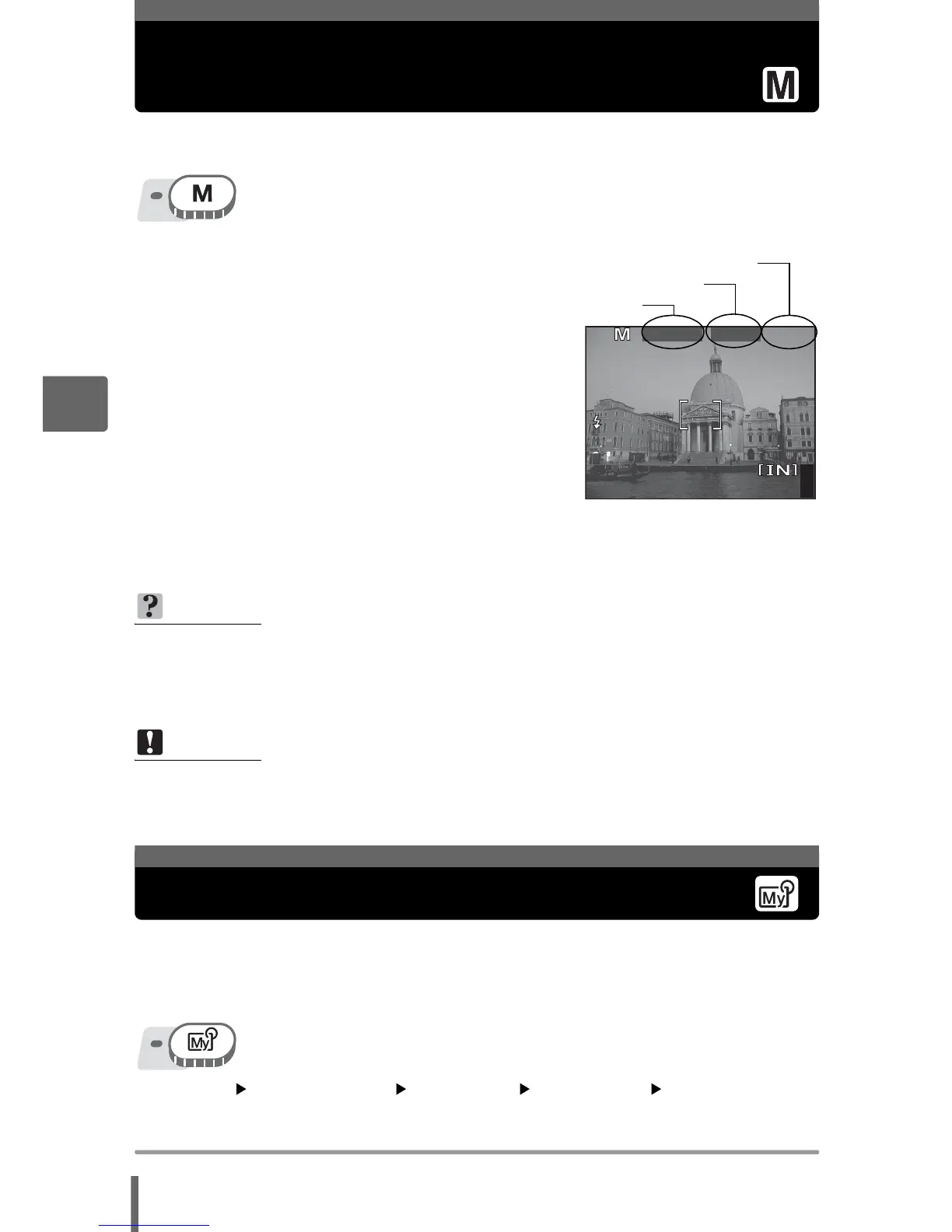
1 Adjust the aperture and shutter
speed.
p : Closes the aperture (increases
the aperture value).
q : Opens the aperture (decreases
the aperture value).
s : Sets the shutter speed faster.
r : Sets the shutter speed slower.
Adjustment range:
Aperture value : F2.8 to F8.0
Shutter speed : 15" to 1/1000 (when
aperture value is
F8.0: up to 1/2000)
•
When the shutter button is pressed halfway, the exposure differential from the exposure
metered as correct by the camera is shown as a range from -3.0EV to +3.0EV.
•
When the exposure differential is displayed in red, this range has been exceeded.
You can take pictures using settings registered in [s MY MODE 1] to
[d MY MODE 4]. Only the settings in [s MY MODE 1] are preset.
g“Customizing the camera (MY MODE SETUP/SHORT CUT/
CUSTOM BUTTON)” (P. 118)
Top menu [MODE MENU] [CAMERA] [r 1/2/3/4]
[s MY MODE 1] / [E MY MODE 2] / [c MY MODE 3] /
[d MY MODE 4] g“Using the menus” (P. 17)
TIPS
To take long exposure (bulb) shots
1Press r and set shutter speed to BULB.
2 The shutter remains open as long as the shutter button is pressed.
• The maximum time that it can remain open is 8 minutes.
Note
• To avoid camera movement, you are recommended to use a tripod when taking
pictures requiring a slow shutter speed.
• The shutter speeds that can be set vary depending on the aperture value.
441600


 To Next Page