15
1
EN
Selecting the folders and files
a
b
c
a
b
Selecting the folders and files
The recorder provides five folders, [ & ], [ ' ],
[ ( ], [ ) ] and [ * ]. Each folder can store up
to 200 files.
1 While the recorder is in stop
mode, press the FOLDER/INDEX
button.
• The folder changes each time you
press the FOLDER/INDEX button.
Searching for a file
2 Press the + , - , 9 or 0
button to select the date.
9 , 0 buttons:
Move to the previous/next day.
+ , − buttons:
Move to the previous/next week.
• Dates with recorded files are shown
with underbars.
3 Press the ` OK button.
• Files recorded on the date selected
are displayed in a list.
4 Press the + or – button to select a
file.
5 Press the ` OK button to start
playback.
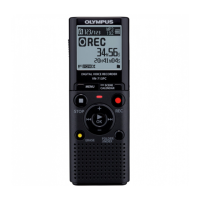
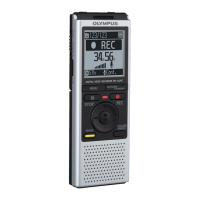
For VN-713PC, VN-712PC:
You can search for voice files by the date
they were recorded. As long as you know the
date, you can quickly find a file even if you
forgot what folder it is in.
1 While the recorder is in stop
mode, press the CALENDAR/
SCENE button.
Note
• Does not support display of national
holidays.
a Folder indicator
b Current file number
a Current date
b Date when a file was
recorded
c Selected date
2 Press the 9 or 0 button to
select a file.



 To Next Page