27
4
EN
Menu setting method
Menu setting method
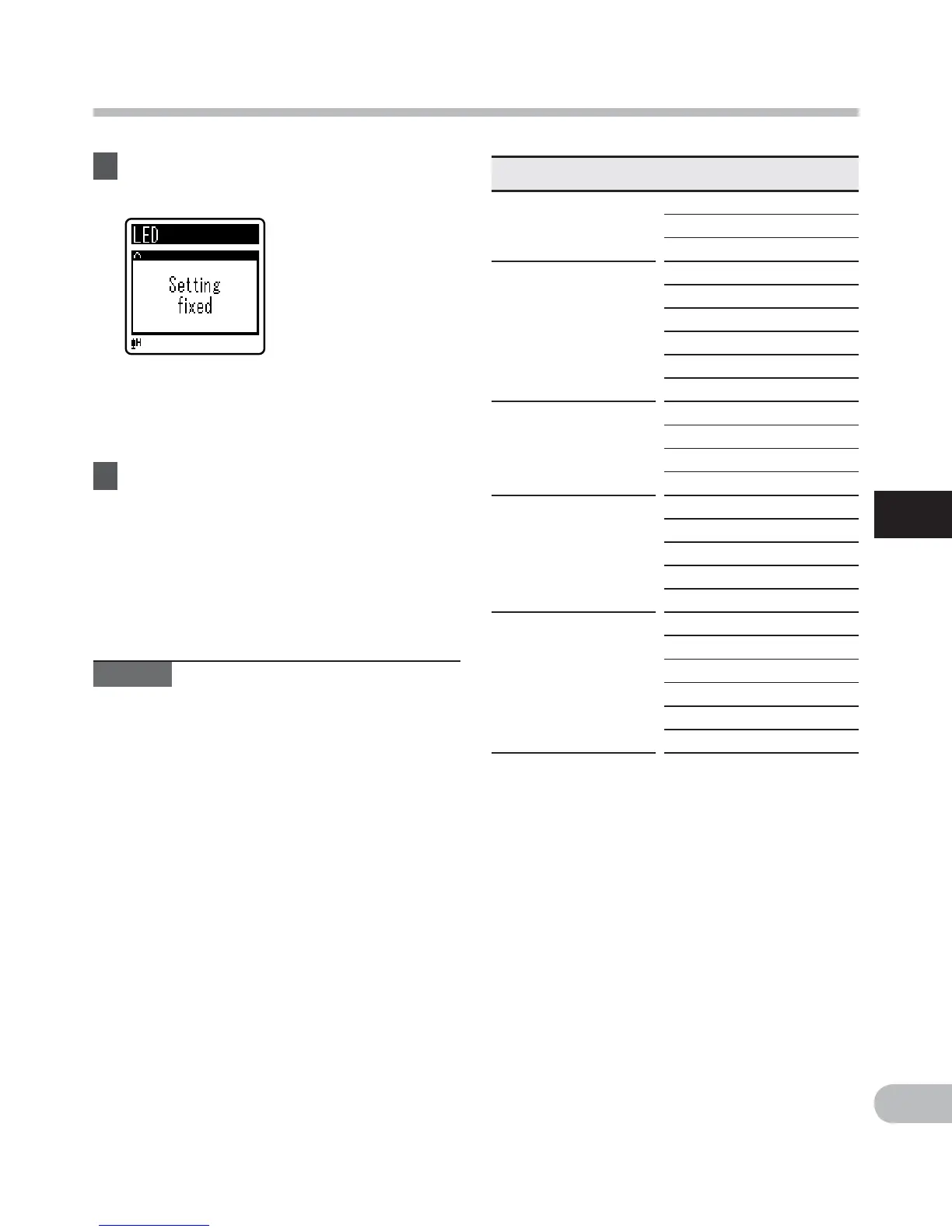
7 Press the ` OK button to
complete the setting.
• Pressing the 0 button without
pressing the ` OK button will cancel
the settings and return you to the
previous screen.
8 Press the STOP ( 4 ) button to
close the menu screen.
• When in the menu screen during
recording or playback, pressing the
0 button will allow you to return
to the recording or playback screen
without interrupting recording or
playback.
Notes
• The recorder will stop if you leave it
idle for 3 minutes during a menu setup
operation, when a selected item is not
applied.
• When entering menu settings during
recording or playback, the menu settings
will be canceled if 8 seconds elapse with
no buttons being pressed.
Menu list
[ File Menu ]
[ File Lock ]
[ File Divide ]*1
[ Property ]
[ Rec Menu ]
[ Rec Level ]
[ Rec Mode ]
[ Low Cut Filter ]
[ VCVA ]
[ V-Sync. Rec ]*2
[ Rec Scene ]
[ Play Menu ]
[ Noise Cancel ]*2
[ Voice Filter ]*1
[ Play Mode ]
[ Skip Space ]
[ LCD/Sound Menu ]
[ Font Size ]
[ Contrast ]
[ LED ]
[ Beep ]
[ Language(Lang) ]
[ Device Menu ]
[ Memory Select ]*1
[ Time & Date ]
[ Reset Settings ]
[ Format ]
[ Memory Info. ]*1
[ System Info. ]
*1 VN-713PC, VN-712PC only.
*2 VN-713PC only.



 To Next Page