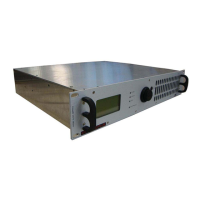
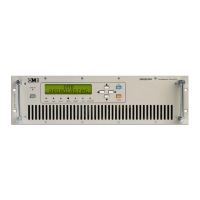
FM Transmitter
Sistemas Electrónicos S.A EM 100 DIG
Technical Manual - v1.2 - November 2005 23
Few minutes of tests will enable most users to gain confidence with control keys and menu and to be
able to access to all main feature of the transmitter,without any previous training.
Anyway it is impossible to discover hidden functions without the proper password permission.
START MENU.
The start menu screen is the unnumbered one on the top of the menu tree.It is shown only when the
equipment is turned on from mains or software reset. It will show the software version and the
initialization step, when all the LEDs and the display will be turned on and off for testing purpose. Any
subsequent key input will turn this menu field on the next, requesting a password code.
MENU #11:INITIAL PASSWORD
ENTER PASSWORD
CODE
This screen requests to input a valid password code. When the input is confirmed by the <OK> key,
the word will be compared with the memorized passwords and, if recognized,the corresponding
security level will be allowed. If the password is incorrect or the input is terminated by a <CANCEL>,
the password will be signalized as invalid and the security level allowed will be as actually in
memory,i.e. 0 (no permission at all),1 or 2.
If the security level is already pre-set to "off" for the 1st level and "on" for the 2
nd
one, as usual, there is
no need to input any password to freely navigate in the menu tree without altering any parameter.
When the password is recognized as valid and the corresponding level is displayed, press on
<CANCEL>key will turn on the default menu field #00.


 To Next Page