EasyManua.ls Logo

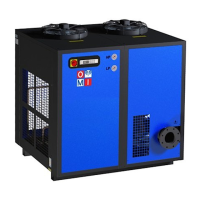
omi DD54 - User Manual

Default Icon
16 pages
Print Icon
To Next Page IconTo Next Page
Loading...
Cod. 710.0167.01.00 Rev02 10.2019 © Copyright 2019 OMI Srl - All rights reserved 1 - 11
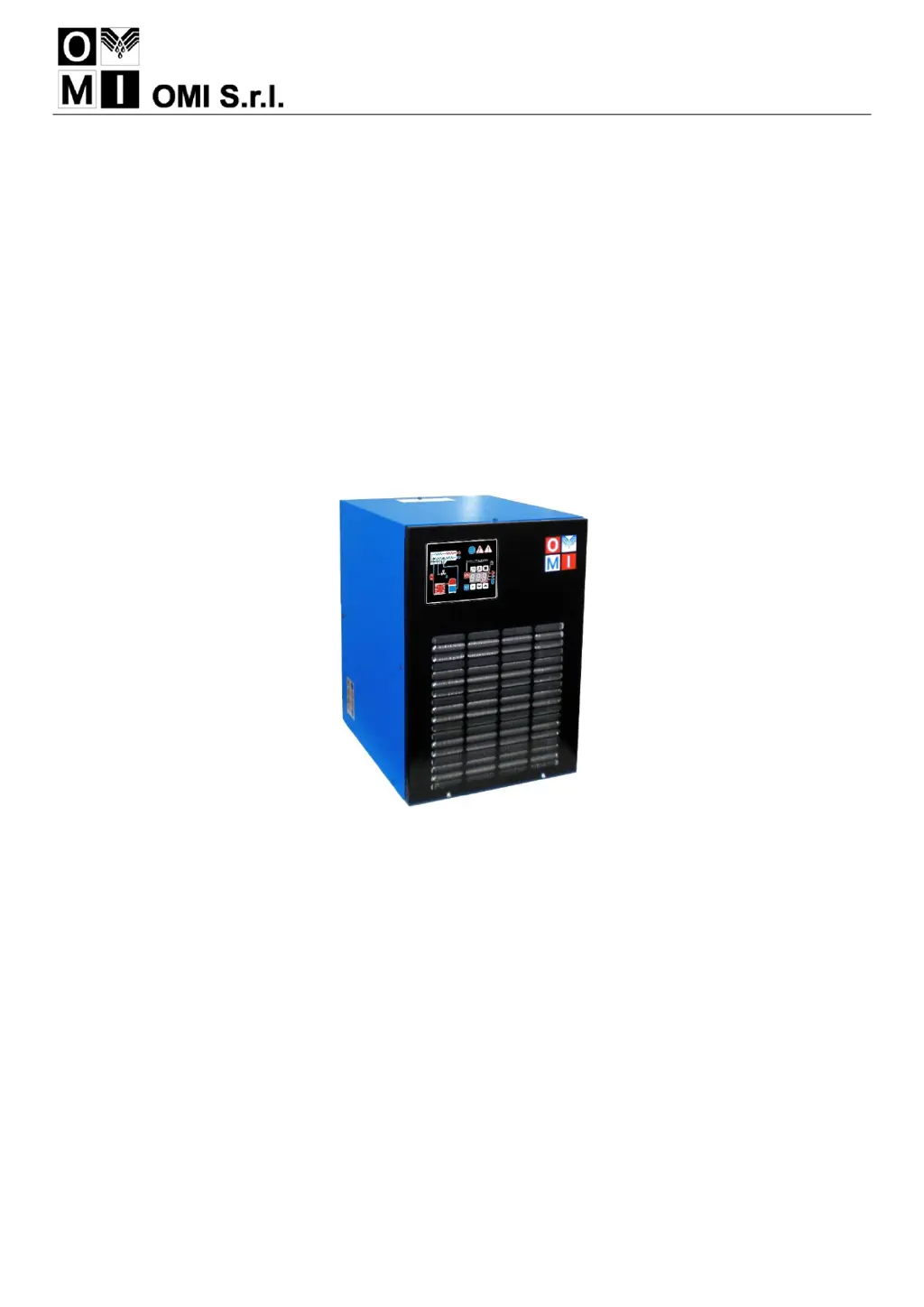
DIRECT EXPANSION COMPRESSED AIR DRYERS
Operators Manual
DD36
DD54
DD72
DD108
DD144
DD180
DD216
DD280
DD340
DD500
DD610
DD750
DD1000
DD1300

Questions and Answers

  • M
    michaelboydAug 23, 2025
    Why is the pressure in the line low on my OMI Dehumidifier?
    • B
      brian38Aug 23, 2025
      If the pressure in the line of your OMI Dehumidifier is low, check for ice formation in the evaporator and inspect the electronic control board; replace if necessary. It is also recommended to check the gas charge by contacting our Service Centre. Ensure the compressed air inlet/outlet is connected properly, and that the connecting tubing is not clogged. Verify that all valves are open and check the condition of any filters. If air flows continuously through the condensate drainage, clean or replace the drainage solenoid valve. Verify the condensate drainage times set on the electronic control board (C8 and C9). Check the signal from the control board, and if it is continuous, replace the control board.
  • T
    toddcardenasNov 6, 2025
    What to do if there is water in my omi DD54 system?
    • R
      Robert BridgesNov 6, 2025
      If there is water in the OMI Dehumidifier system, several issues could be the cause. First, ensure that there is power in the line. If phases are connected incorrectly, correct them. Check the cabling and the electronic control board, and replace if necessary. Make sure the dryer is on and not in standby mode (wait 2 minutes after switching on). Verify that the compressed air inlet/outlet is connected properly, and that the air flow rate, temperature, and ambient temperature are within nominal values. Clean the condenser and the condensate drainage system filter mesh. Check the temperature control probe and replace if faulty. Reset the high pressure switch. If the compressor’s internal thermal protection has activated, wait one hour and check again; otherwise, contact your local OMI distri...

Summary

Installation

Start Up

Control Panel

Overview of the dryer's electronic control system, keys, display, and indicator LEDs.

Keys Function

Explains the specific functions of each key on the control panel for operation and programming.

Condensate Discharge Parameters Programming

Guide to setting up parameters for condensate discharge timing and duration.

Start Up Procedure

Step-by-step procedure for starting the dryer after installation or prolonged shutdown.

Maintenance, Troubleshooting and Decommissioning

Troubleshooting

Identifies common problems, their causes, and recommended remedies for the dryer.

Troubleshooting (Water;Pressure Issues)

Troubleshooting guide for issues related to water in the system and low pressure in the line.

Safety Information

omi DD54 Specifications

General IconGeneral
Brandomi
ModelDD54
CategoryDehumidifier
LanguageEnglish

Related product manuals