© 2010 Omnicell, Inc. OmniTT/AnesthesiaTT Installation and Service Guide/67-2024 Rev D
Electronics Tray 1-3
Removal Procedure
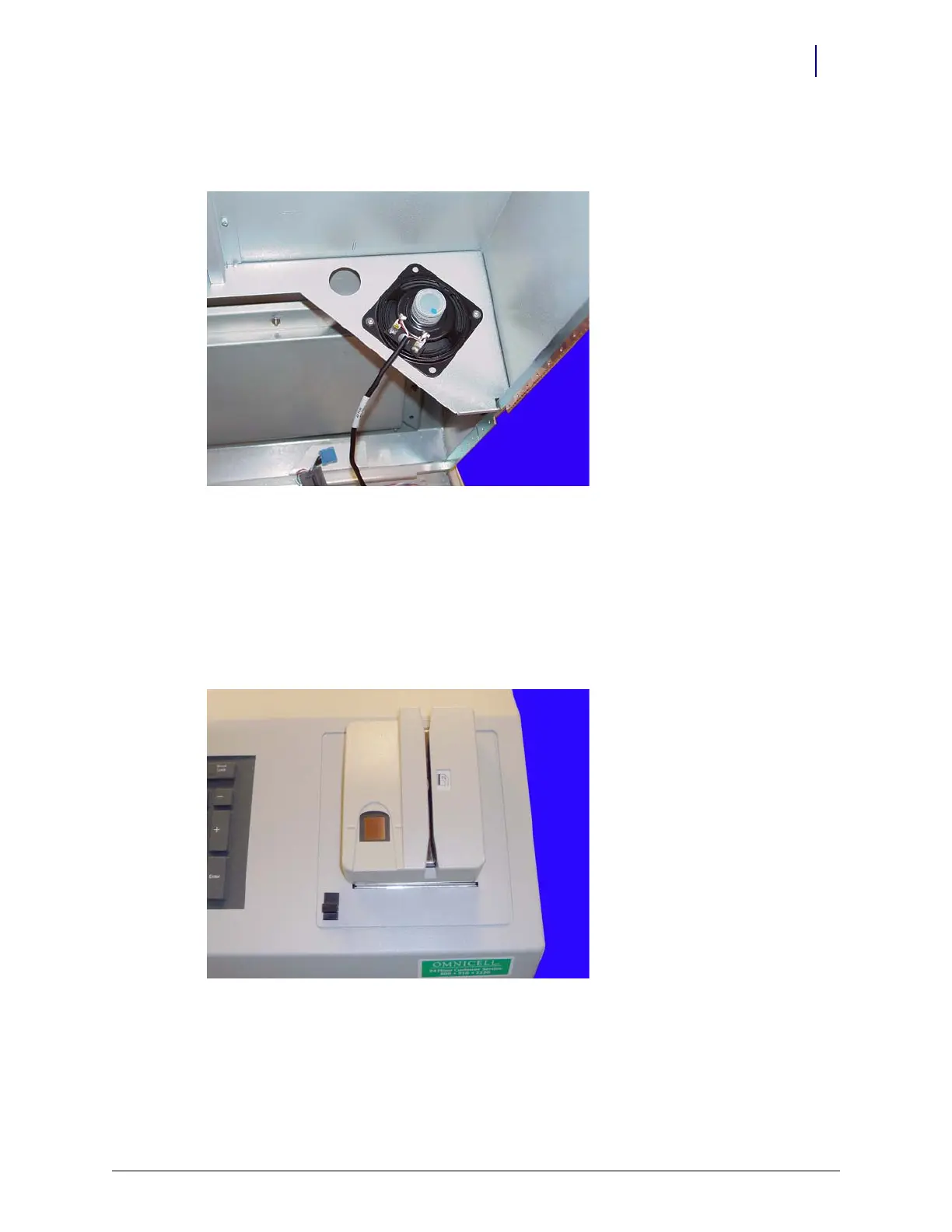
4. Remove the two screws that hold the speaker in place.
Use a Torx T10 screwdriver.
Figure 1-4. Remove the two screws that secure the speaker
5. Disconnect the speaker from the console top.
Printer
1. Perform a graceful shutdown of the electronics tray.
2. Open the printer cover by pushing the black release mechanism toward the rear of the
machine and lifting the cover.
Figure 1-5. Open the Printer Cover



 To Next Page