19
4. DESCRIPTION
4.1 Features
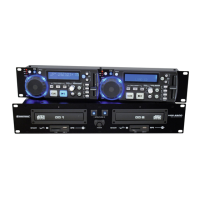
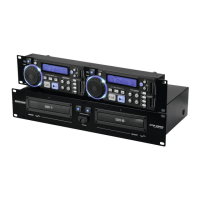
Dual-CD-player with Main Tempo-function
Pitch-adjustment can be switched via Main Tempo button • Seamless Loop-function via In/Fly Cue-button,
Out/Exit-button and Reloop-button • Realtime Cue-button for memorizing the Cue-point during playback •
The 2 x 20 second Anti-Shock buffer keeps the CD from jumping • With background-illuminated Play-button
and Cue-button • All functions located in 2 well-structured operating fields • Comfortable track-selection via
Skip-buttons • Large Play/Pause-button and Cue-button • Auto Cue-function: the player automatically jumps
to where the music starts • Back Cue-function: by pressing the Cue-button, the player returns to the track-
start or Cue-point • Ergonomic LCD-display of all operation modes • Display switchable from track remain
time to track playback time • Visual warning from 15 seconds before track-end • Pitch-adjustment via
Pitchfader is displayed • Pitch Bend-buttons for synchronizing the bass-beat of 2 signal-sources • Speed-
control range adjustable to +/- 8 %, +/- 12 % or +/- 16 % • Jog/Shuttle-wheel for quick track-selection and
framewise search (1/75 sec) • Up to 20 tracks can be programmed • Single-mode for playing one track only •
Open/Close-button locked in playback-mode • With Faderstart-function for controlling the CD-player from the
mixer • Relay-button for switching playback automatically to the other player after every track • LED-display
of all important functions • With additional digital ouput • 19"-dimensions
4.2 Main unit
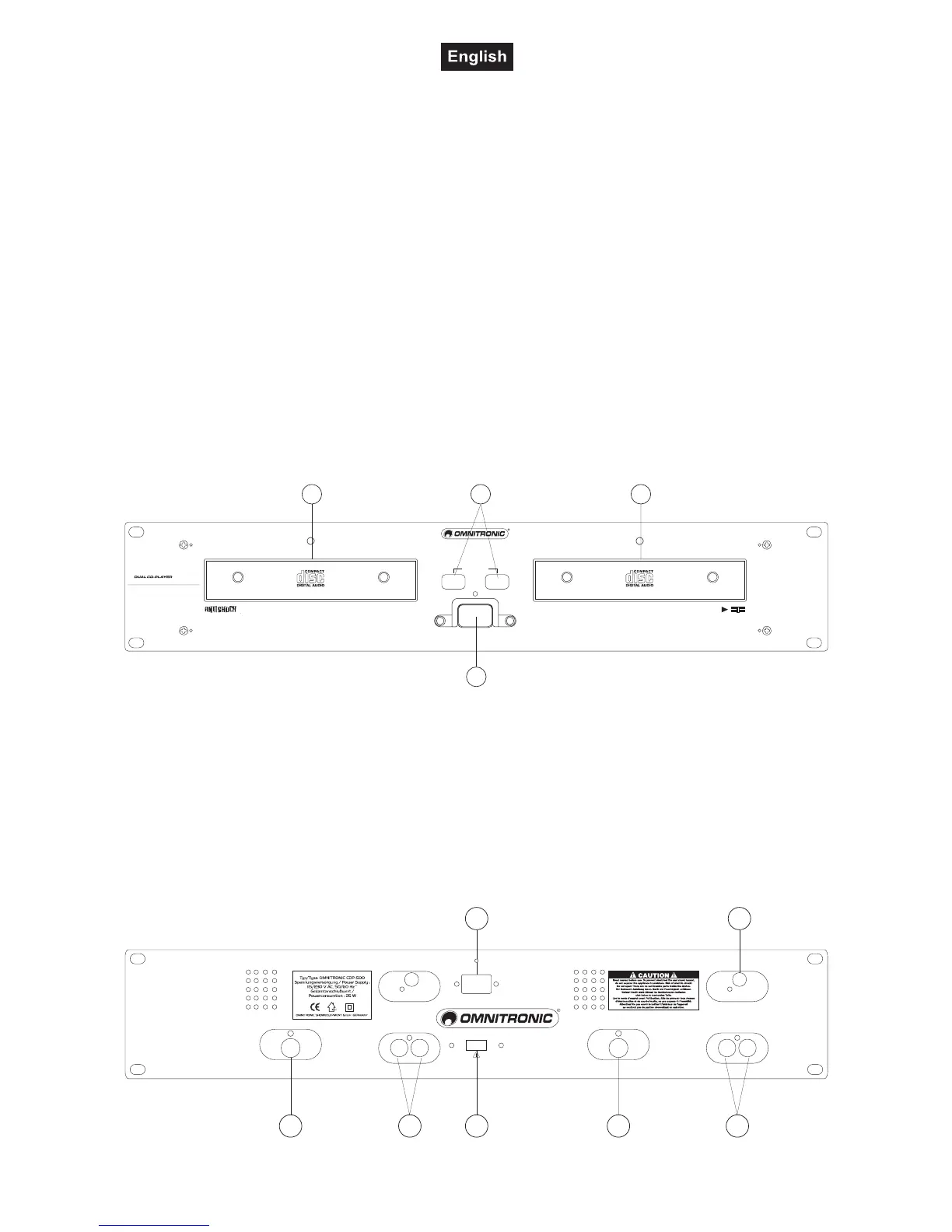
Frontpanel:
1
2 3 2
OPEN/CLOSE
12
FADER
CUE - START
PLAYER 2
PLAYER 1
HAVE FUN
1 BIT 8 TIMES OVERSAMPLING D/A CONVERTER COMPACT DISC PLAYER
1 BIT 8 TIMES OVERSAMPLING D/A CONVERTER COMPACT DISC PLAYER
CDP-500
1. POWER SWITCH
Press this button to start operation.
2. DISC-TRAY
To enter the disc. The status-LED is illuminated if the tray is open or no CD is inserted. If a CD is inserted
and the player is ready for operation, the LED is off. Please refer to the explanations under 6.2 CD-tray.
3. OPEN/CLOSE BUTTON
Via the Open/Close-button, you can open and close the CD-tray.
Rear panel:
4
56
7
8 8 6
AUDIO OUT AUDIO OUT
R R
L L
115 V
230 V
VOLTAGE SELECTOR
DIGITAL OUT
CONNECT TO
REMOTE CONTROL 2
CONNECT TO
REMOTE CONTROL 1
2 1
DIGITAL OUT
AC INPUT
115/230 V, 50/60 Hz


 To Next Page