00053693.DOC, Version 1.0
24/28
D. Indicating versions and serial number
The current hardware and software version as well as the serial number of the unit can be indicated on the
display.
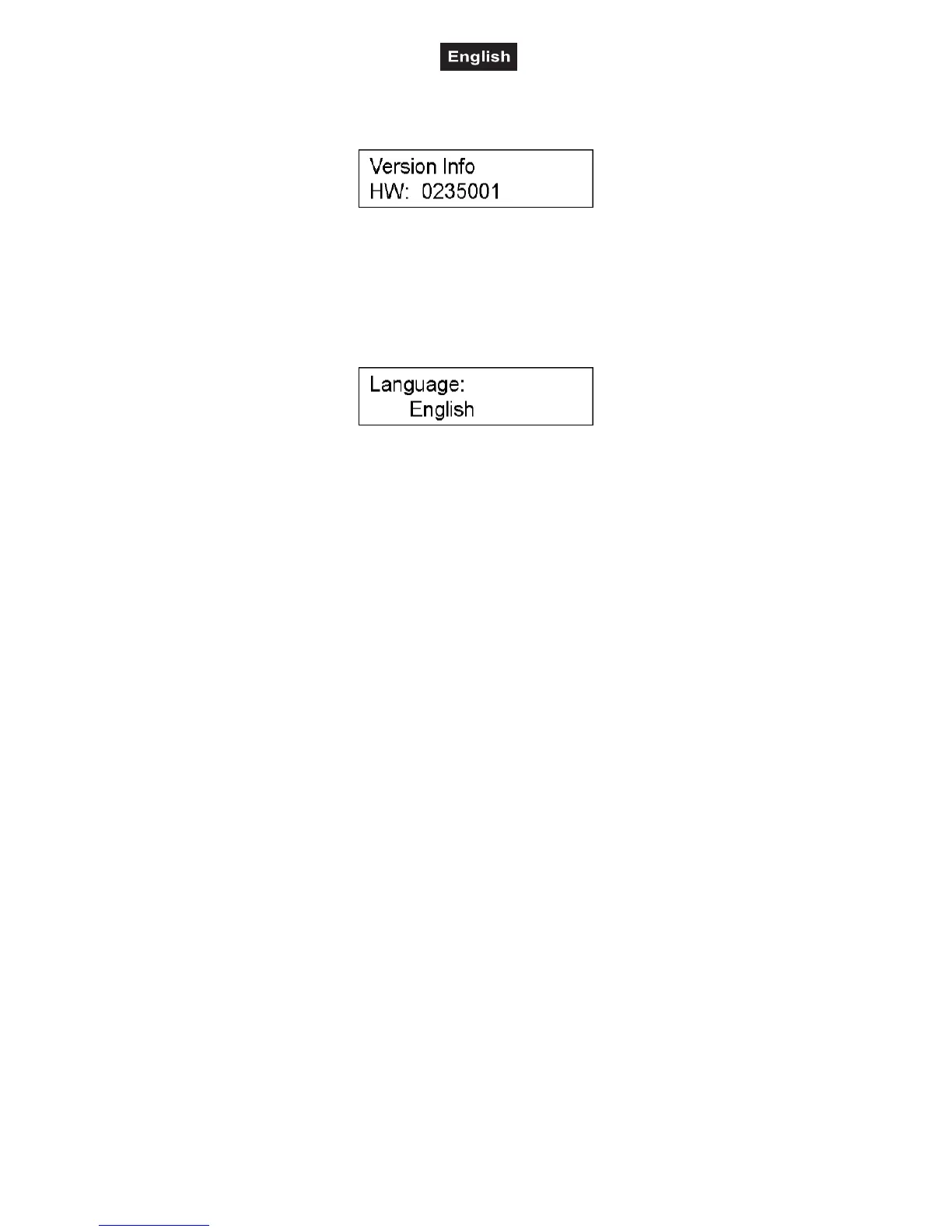
1. Call menu item Version Info. The display indicates the hardware version (HW).
2. Turn the rotary press control DATA to indicate the software version (SW).
3. Turn the control again to indicate the serial number (SN).
E. Changing the menu language
After switching on English is selected as menu language. In this menu item you can switch to German,
Spanish, French and Dutch.
1. Call menu item Language.
2. Turn the rotary press control DATA to select a language.
3. Press the control to confirm your selection.



 To Next Page