30
STORING THE PADS ON THE PAD HOLDER
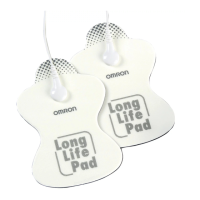
•In between uses, keep the pads on the pad holder in the pad case.
•Do not keep the device in areas subject to direct sunlight, high or low
temperatures, humid areas, near fire, vibration, or shock.
Never bend or fold the pads.
Storage temperature
32 to 104 °F (0 to 40 °C), 30 to 80 % relative humidity.
•Make sure the device has been turned off.
Keep this device and pads out of the reach of infants, toddlers and
children.
Note: With proper storage and use, you may extend the life of your pads.
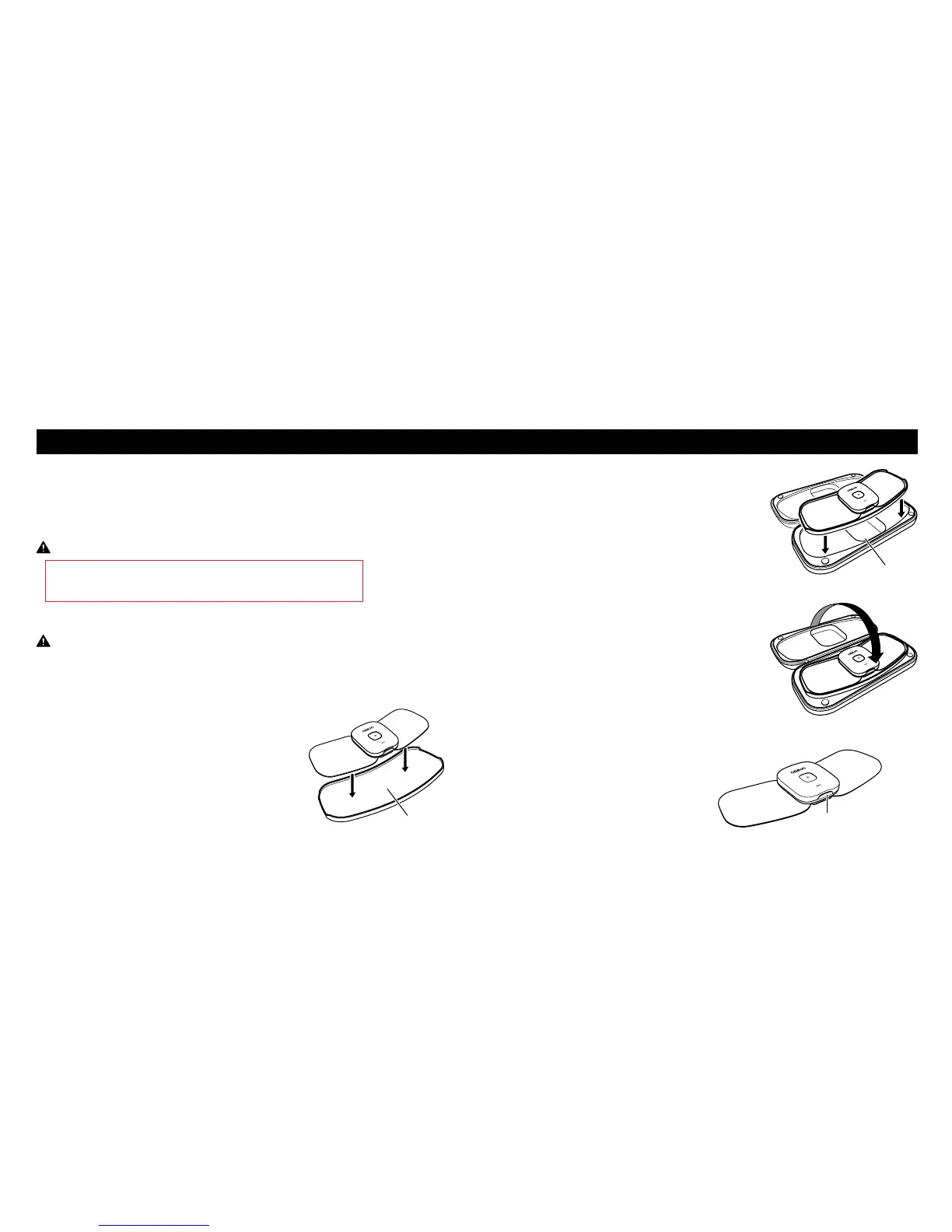
1. Place the pad onto the pad holder.
A pad can be placed onto the both sides
of the pad holder.
2. Place the pad holder onto the storage case.
3. Close the storage case.
REMOVING THE DEVICE
If the device needs to be recharged, remove the device from the pad.
1. Press the pad release button to
remove the device from the pad.
Pad holder
Storage case
Pad release button
STORAGE AND REMOVING
AFTER DAILY USE


 To Next Page