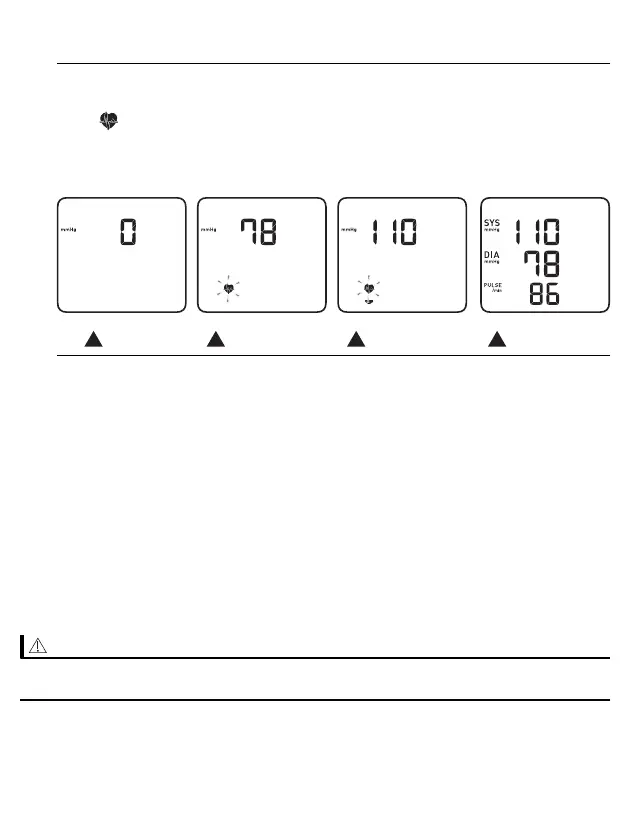
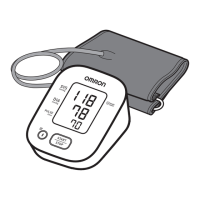
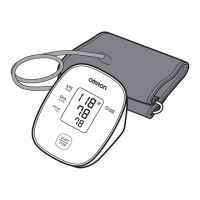
2. Remain still and do not talk until the entire measurement process is
complete.
The “ ” symbol flashes at every heartbeat.
Your blood pressure and pulse rate are displayed.
If either the systolic or the diastolic reading is high (refer to sub-section 1.3),
“High” appears.
START
INFLATING
DEFLATING
COMPLETED
3. Press the [START/STOP] button to turn your monitor off.
• Your monitor automatically turns off after 2 minutes.
• Wait 2 - 3 minutes between measurements. The wait time allows the arteries
to return to their pre-measurement state. You may need to increase the wait
time depending on your individual physiological characteristics.
If your systolic pressure is more than 210 mmHg
If your systolic pressure is more than 210 mmHg, take a measurement manually.
After the arm cuff starts to inflate, press and hold the [START/STOP] button until the
monitor inflates 30 to 40 mmHg higher than your expected systolic pressure.
• Do not inflate above 299 mmHg.
• Inflating to a higher pressure than necessary may result in bruising of the arm
where the cuff is applied.
20


 To Next Page