EasyManua.ls Logo

Omron BP710N - User Manual

Omron BP710N
31 pages
Print Icon
To Next Page IconTo Next Page
Loading...
INSTRUCTION MANUAL
ESPAÑOL
ENGLISH
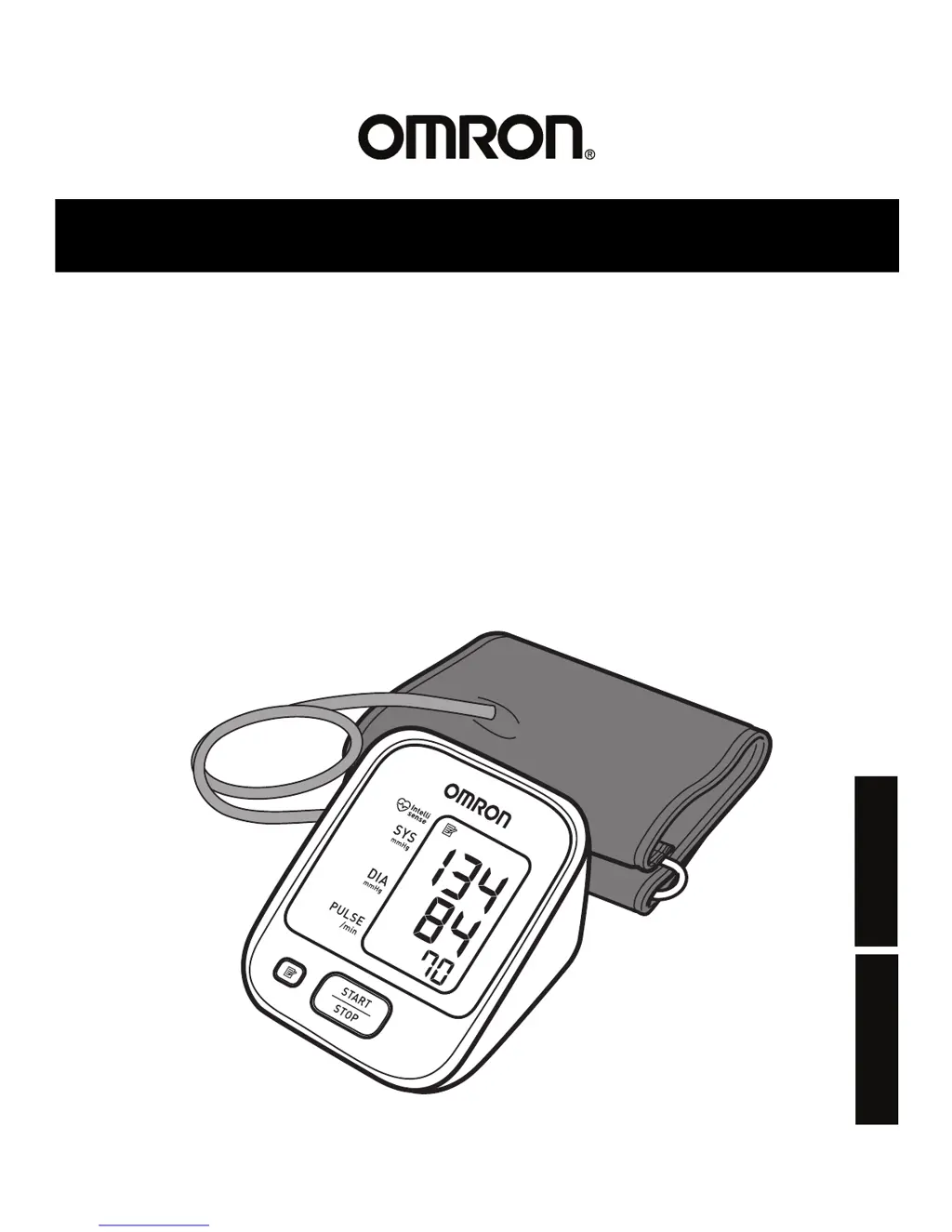
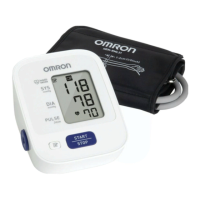
3 series
Blood Pressure Monitor
Model BP710N

Questions and Answers

  • S
    Susan GreenAug 15, 2025
    Why does my Omron BP710N Blood Pressure Monitor show different readings?
    • M
      Michael BrownAug 16, 2025
      Blood pressure is not constant and varies all the time. Many factors, such as stress, the time of day, and how you wrap the cuff, can affect your blood pressure. Please review the sections “Before Taking a Measurement” and “Taking a Measurement.”
  • P
    Patricia CisnerosAug 18, 2025
    How to fix no power on my Omron BP710N Blood Pressure Monitor?
    • W
      wilkersonjenniferAug 19, 2025
      If the monitor displays no power and nothing appears on the screen, replace all batteries with new ones. Also, check the battery installation, ensuring proper placement of the battery polarities, as described in “Battery Installation.”
  • S
    Scott ReyesAug 22, 2025
    What to do if the Omron BP710N Blood Pressure Monitor displays an error because of movement?
    • M
      Mary JohnsonAug 22, 2025
      If you move during measurement and the arm cuff has not been inflated sufficiently, repeat the measurement. Remain still and do not talk during measurement, as described in “Taking a Measurement.”
  • P
    patelwilliamAug 25, 2025
    What to do if my Omron Blood Pressure Monitor shows device error?
    • A
      andreharrisAug 26, 2025
      Contact Customer Service.
  • P
    princelisaAug 27, 2025
    What to do if the batteries of Omron BP710N are exhausted?
    • N
      nielsenrayAug 28, 2025
      You should replace the batteries with new ones at once. Refer to “Battery Installation.”
  • J
    Jacob SchaeferAug 31, 2025
    When to replace low batteries in Omron Blood Pressure Monitor?
    • X
      xwilsonAug 31, 2025
      You should replace the batteries with new ones ahead of time. Refer to “Battery Installation.”
  • F
    Faith RowlandSep 2, 2025
    What to do if my Omron Blood Pressure Monitor detects irregular heartbeats?
    • J
      Julie RobertsSep 3, 2025
      If irregular heartbeats are detected, remove the arm cuff. Wait 2 - 3 minutes and then take another measurement, repeating the steps in “Taking a Measurement”. If the error persists, it is recommended to contact your physician.
  • Z
    Zachary GainesSep 5, 2025
    How to fix disconnected air plug on Omron Blood Pressure Monitor?
    • S
      Stephanie HoganSep 5, 2025
      If the air plug is disconnected, insert it securely, referring to “Using the Device.”
  • P
    Paul NovakSep 8, 2025
    How to prevent clothing interfering with Omron BP710N cuff?
    • E
      Emily BentonSep 9, 2025
      If clothing is interfering with the arm cuff, remove it. Refer to “Using the Device.”
  • R
    rsmithSep 12, 2025
    What to do if air is leaking from the arm cuff of my Omron Blood Pressure Monitor?
    • M
      Michael HensleySep 12, 2025
      If air is leaking from the arm cuff, replace it with a new one, referring to “Optional Medical Accessories.”

Summary

Omron BP710 N Monitor Introduction

Intended Use of Omron Blood Pressure Monitor

Defines the device's purpose for measuring blood pressure and pulse rate in adults.

Omron BP710 N Safety: General Usage Warnings

Critical Safety Precautions for Operation

Covers essential safety measures to prevent severe injury or death.

Omron BP710 N Safety: Cautionary Notes

Cautions for User and Equipment Safety

Details cautionary statements to avoid minor injury or equipment damage.

Omron BP710 N Safety: Battery & General Precautions

Battery Handling and General Operation Safety

Addresses battery usage, tube care, and general operational safety guidelines.

Omron BP710 N Device Components

Monitor and Arm Cuff Parts Identification

Identifies the main parts of the monitor and its associated arm cuff.

Omron BP710 N Display Symbols Guide

Understanding Monitor Display Indicators

Explains the various symbols that appear on the device's digital display.

Omron BP710 N Display Symbols and Hypertension

Interpreting Heartbeat and Movement Error Symbols

Details the meaning of irregular heartbeat and movement error symbols.

Hypertension Classification Based on Readings

Presents hypertension definitions by office and home blood pressure levels.

Omron BP710 N Accurate Measurement Preparation

Essential Steps Before Taking a Measurement

Provides essential preparation steps to ensure accurate blood pressure readings.

Omron BP710 N Device Preparation: Battery Installation

Guide to Installing Monitor Batteries

Step-by-step instructions for correctly installing the device's batteries.

Using the Omron BP710 N: Applying the Arm Cuff

Correctly Wrapping the Arm Cuff

Instructions on inserting the air plug and wrapping the arm cuff around the upper arm.

Using the Omron BP710 N: Arm Cuff Securing

Securing the Cuff and Arm-Specific Usage

Details on securing the cuff and recommendations for measuring on different arms.

Using the Omron BP710 N: Measurement Posture

Proper Sitting Posture for Measurement

Guidance on proper sitting posture and arm placement for accurate readings.

Measurement Procedure Notes and Best Practices

Notes on stopping a measurement and remaining still during the process.

Using the Omron BP710 N: Measurement Process

Initiating and Monitoring Blood Pressure Measurement

Describes the measurement process, inflation, and handling high systolic pressure.

Using the Omron BP710 N: Measurement Completion

Completing Measurement and Safety Reminders

Steps after measurement, automatic shut-off, and key safety reminders.

Using the Omron BP710 N: Memory Function

Viewing Stored Blood Pressure Readings

Instructions on how to view stored measurement values in the device's memory.

Deleting Stored Blood Pressure Readings

Instructions on how to delete all stored measurement values from the device's memory.

Omron BP710 N Error Messages: E1

Troubleshooting Irregular Heartbeat Errors (E1)

Lists causes and solutions for error display E1, related to irregular heartbeats.

Omron BP710 N Error Messages: E2-Er

Troubleshooting Other Error Codes (E2-Er)

Explains other error codes (E2, E3, E4, E5, Er) and their resolutions.

Omron BP710 N General Troubleshooting Guide

Resolving No Power and Inaccurate Reading Issues

Addresses common problems like no display or inaccurate measurement values.

Omron BP710 N Device Maintenance

Guidelines for Device Cleaning and Care

Guidelines for cleaning and maintaining the blood pressure monitor to ensure longevity.

Omron BP710 N Storage and Accessories

Proper Device Storage Conditions

Instructions on proper storage of the device, including environmental conditions to avoid.

Optional Arm Cuff Accessory Information

Information on available accessory arm cuffs and their specifications.

Omron BP710 N Technical Specifications

Omron BP710 N FCC Compliance Statement

Omron BP710 N Limited Warranty Details

Omron BP710 N EMC Guidance and Declaration

Overview of Electro Magnetic Compatibility (EMC)

General information on EMC requirements and precautions for the device.

Omron BP710 N EMC Emissions Compliance

EMC Emissions Test Compliance Standards

Details compliance for RF and harmonic emissions according to EMC standards.

Omron BP710 N EMC Immunity Compliance

EMC Immunity Test Compliance Standards

Details compliance for ESD, transient, surge, and voltage variations according to EMC standards.

Omron BP710 N EMC RF Compliance and Separation

EMC RF Emissions Compliance and Separation Distances

Specifies compliance levels for RF emissions and recommends separation distances.

Omron BP710 N RF Equipment Separation Guidelines

Recommended Separation Distance for RF Devices

Provides a table for calculating separation distances for RF communication equipment.

Omron BP710N Specifications

General IconGeneral
BrandOmron
ModelBP710N
CategoryBlood Pressure Monitor
LanguageEnglish

Related product manuals