EasyManua.ls Logo

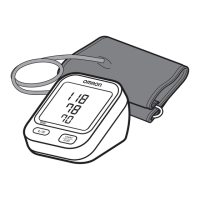
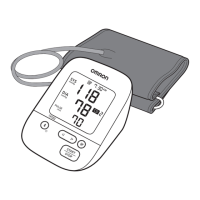
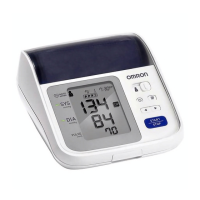
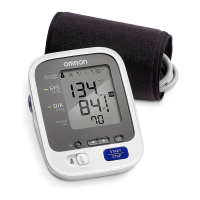
Omron BP7250 - User Manual

Omron BP7250
52 pages
Print Icon
To Next Page IconTo Next Page
Loading...
INSTRUCTION MANUAL
5 series Upper Arm
Blood Pressure Monitor
Model BP7250
®
ENGLISH

Questions and Answers

  • W
    Whitney GonzalezJul 29, 2025
    What to do if ' ' appears on Omron Blood Pressure Monitor?
    • R
      robinsonlauraJul 29, 2025
      This symbol appears when the arm cuff is inflated exceeding the maximum allowable pressure. Avoid touching the arm cuff or bending the air tube during measurement. If inflating the cuff manually, refer to the instructions in the manual.
  • T
    Thomas DickersonAug 5, 2025
    What does it mean when ' ' flashes on my Omron BP7250 Blood Pressure Monitor?
    • G
      greenechristopherAug 5, 2025
      This indicates that the batteries are low. It's recommended to replace all 4 batteries with new ones.
  • Z
    zachary73Aug 13, 2025
    What to do if nothing appears on the display of my Omron BP7250?
    • X
      xmillsAug 13, 2025
      Check the battery installation to ensure the polarities are properly aligned.
  • L
    Lawrence MendezAug 21, 2025
    What to do for any other problems that occur with Omron BP7250?
    • S
      Suzanne GravesAug 21, 2025
      Press the [START/STOP] button to turn the monitor off, then press it again to take a measurement. If the problem continues, remove all batteries and wait for 30 seconds before reinstalling them. If the problem still persists, contact customer service.

Omron BP7250 Specifications

General IconGeneral
Model NumberBP7250
TypeUpper Arm Blood Pressure Monitor
Bluetooth ConnectivityYes
Irregular Heartbeat DetectionYes
User Profiles2
Measurement MethodOscillometric
Power Source4 AA batteries or AC adapter
Average ReadingAverages 3 readings taken within 10 minutes
Cuff Size9 to 17 inches
WeightApprox. 400g (without batteries)
Warranty5-Year Limited Warranty

Related product manuals