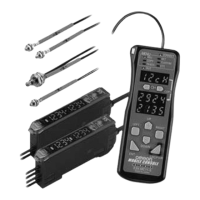
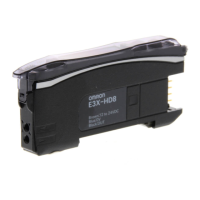
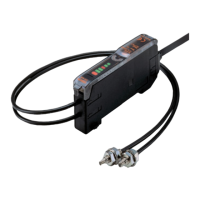
E3X-MDA
E3X-MDA
‘6. Convenient Functions
6-1. Zeroing the Digital Display
The incident light level on the digital display can be set to 0.
* Change the function to 0rst (zero reset) with the MODE key. The de-
fault setting is PTUN.
6-2. Locking the Keys
All key operations can be disabled.
Note:Press the DOWN or UP key right after pressing the MODE key.
6-3. Initializing Settings
All settings can be returned to their original default settings.
3 s
MODE
3 s
MODE
DOWN
MODE
RUN
To reset to 0 again:
To return to original value
for incident light level:
Set the Mode Selector
to RUN
Factory setting
3 s
Press together (see note).
MODE
MODE
UP
UP
RUN
"OFF" will flash twice and
key operations will be
enabled.
To release the lock:
"ON" will flash twice and
key operations will be
disabled.
LOC ON
LOC OFF
Set the Mode Selector
to RUN.
Factory setting
* If a key is pressed while key operations are locked, "LOC" will flash
twice on the display to indicate that
key operations have been disabled.
3 s
Press together (see note).
3 s
Press together (see note).
MODEMODE
UP DOWN
SET
Settin
s initialized. Operation canceled.
INIT NO?
Set the Mode Selector
to SET.
INIT YES?
UP DOWN
3 s
Press together (see note).



 To Next Page