EasyManua.ls Logo

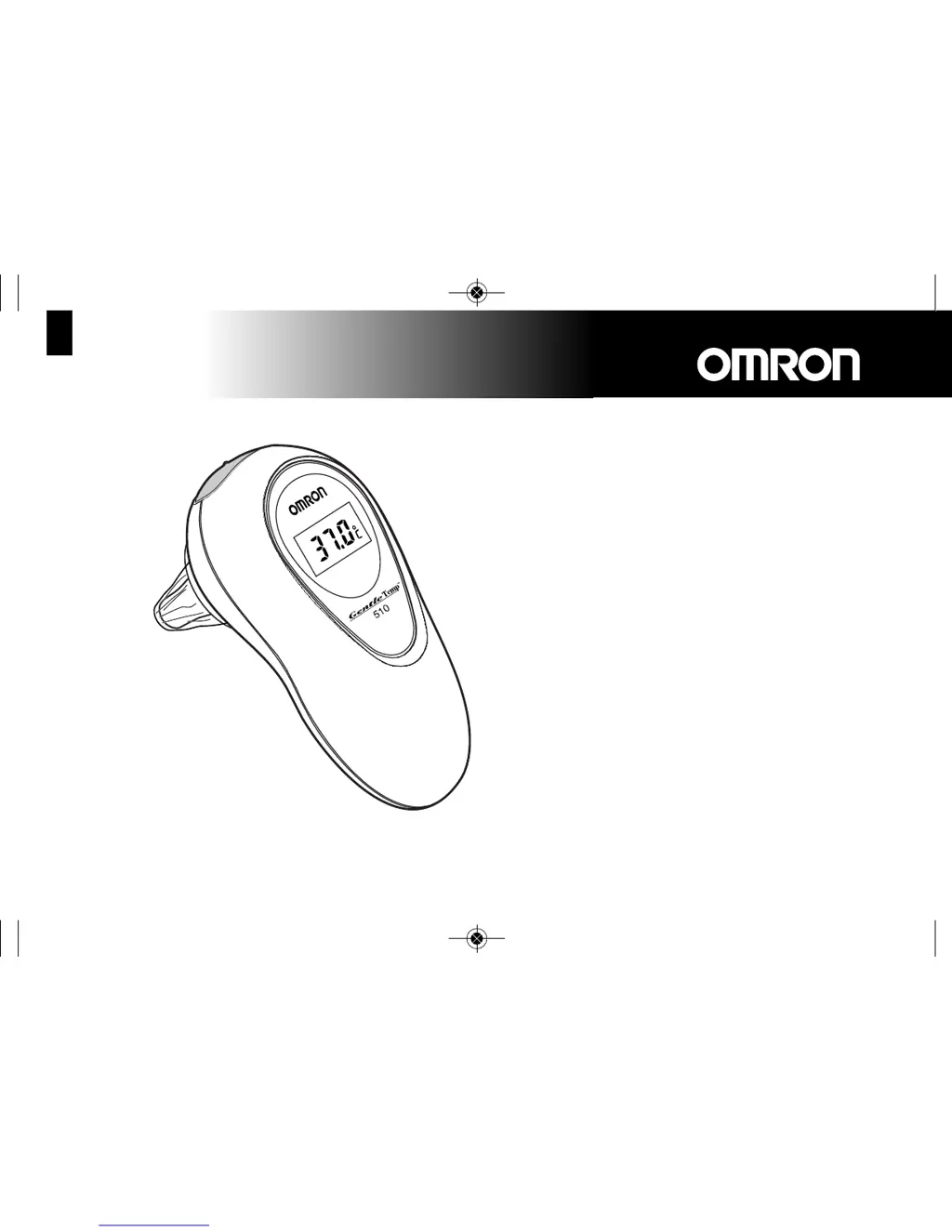
Omron GentleTemp 510 - User Manual

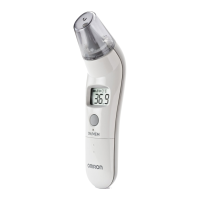
Omron GentleTemp 510
14 pages
Print Icon
To Next Page IconTo Next Page
Loading...
GentleTemp 510
Instruction Manual page 2-14
Gebrauchsanweisung Seite 15-27
Gebruiksaanwijzing pagina 28-40
Mode d’emploi page 41-53
Manuale de instruzione pagina 54-66
Manual de instrucciones página 67-79
Digital Ear Thermometer
Digitales Ohrthermometer
Digitale oorthermometer
Thermomètre auriculaire numérique
Termometro auricolare digitale
Termómetro digital de oído
IM-MC-510-E2-05-04/2013
1637913-6F
١٤-٢ ﺔﺤﻔﺻ ﺕﺍﺩﺎﺷﺭﻹﺍ ﻞﻴﻟﺩ
13413 MC-510-E2_ver.6_MC-510-E2 10/04/2013 17:20 Page 1
13D0831

Other manuals for Omron GentleTemp 510

Questions and Answers

  • F
    freemanrichardJul 30, 2025
    What to do if the Omron Thermometer reading is too high?
    • O
      oconnorfrankJul 30, 2025
      If your Omron Thermometer shows a measured result exceeding 42.2°C (108.0°F), the probe cover might be broken. Try replacing it with a new one. Alternatively, the infrared sensor could be faulty, in which case you should return the unit to the point of sale.
  • J
    Joy LloydAug 3, 2025
    Why does my Omron GentleTemp 510 Thermometer show a low temperature?
    • R
      Robert BrownAug 3, 2025
      If the temperature shown on your Omron Thermometer is rather low, several factors could be responsible. The probe cover or infrared sensor might be dirty. Ensure that the thermometer is inserted deep enough into the ear and that the infrared sensor is directed towards the eardrum. Also, make sure you keep the unit in the ear until the measurement is complete and that your ear isn't cold.
  • T
    theresasmithAug 7, 2025
    Why is my Omron Thermometer reading too low?
    • N
      Natasha JohnsonAug 7, 2025
      If the measured result on your Omron Thermometer is below 34°C (93.2°F), make sure you are not removing the thermometer from the ear before the measurement is finished. Keep the thermometer in place until the measurement is complete.
  • D
    David JacksonAug 11, 2025
    Why does my Omron Thermometer say the temperature is too low?
    • L
      Leah GarciaAug 11, 2025
      If the temperature of the Omron Thermometer's main unit is below 10°C (50°F), accurate measurements cannot be taken. Allow the unit to adjust to the room temperature (between 10°C - 40°C (50°F - 104°F)) before measuring. Storing the unit in the measurement room beforehand can help.
  • S
    Sara SanfordAug 16, 2025
    Why is my Omron GentleTemp 510 not displaying anything after pressing the button?
    • S
      Stephanie DodsonAug 16, 2025
      If nothing appears on the display of your Omron Thermometer after pressing the blue button, the battery may be flat or almost flat. Try replacing it with a new one. Also, ensure that the battery is inserted with the correct polarities (+ and -).
  • C
    christianmckayAug 20, 2025
    What does the Er.1 error mean on my Omron GentleTemp 510 and how do I fix it?
    • J
      Jessica HarmonAug 20, 2025
      If the “Er.1” error is displayed on your Omron Thermometer, it may be due to a significant temperature difference (more than 10°C) when moving the device between locations. Wait for at least five minutes until the “AA“ mark disappears before using the thermometer.
  • S
    sharon94Aug 25, 2025
    What to do if my Omron GentleTemp 510 Thermometer doesn't show '0' after inserting it in the ear?
    • J
      Joseph ClarkAug 25, 2025
      If your Omron Thermometer does not display the “0” mark after inserting it into the ear, the probe cover may be dirty; replace it with a new one. Also, the infrared sensor might be dirty, so clean it with a cotton swab. Check if earwax is present in the ear and remove it with a cotton swab. If the unit's temperature is above 34°C (93.2°F), you can measure in 1 second by pushing the blue button.

Summary

General Information and Safety

Safety Precautions

Essential safety measures and warnings for using the thermometer and handling potential hazards.

Care and Storage

Instructions on how to clean and store the thermometer to ensure longevity and accuracy.

Components of the Thermometer

Identifies and illustrates the key parts of the GentleTemp 510 ear thermometer.

Preparation Before Measurement

Clean Probe Cover

Guidance on confirming, replacing, and attaching probe covers for hygienic and accurate temperature readings.

Positioning the Unit in the Ear

Instructions on how to position the thermometer correctly within the ear canal for optimal measurement.

Measuring Infant Temperature

Techniques for measuring temperature in infants, including handling and positioning.

Change Temperature Units (°C to °F)

Step-by-step guide to switch the temperature display unit between Celsius (°C) and Fahrenheit (°F).

Usage Recommendations

Advice on storing the unit and ensuring the ear is warmed up for accurate temperature measurement.

Using the Thermometer

Fast Measurement (1-3 Seconds)

Detailed 7-step procedure for performing a quick temperature measurement using the thermometer.

10-Second Measurement Mode

Comprehensive 9-step guide for using the 10-second measurement mode, especially for infants.

Repeated Measurements

Information on how many times the temperature can be measured consecutively and when to wait.

Finishing a Measurement

Details on how the thermometer automatically turns off and how to manually finish a measurement.

Battery Replacement

Instructions on how to safely replace the battery, including tools and orientation.

Interpreting Measured Results

Ear Temperature Measurement Explained

Explains why ear temperature is a reliable indicator of core body temperature and its advantages.

Normal and Raised Temperatures

Guidance on understanding normal body temperature ranges and recognizing elevated temperatures.

Ear Temp vs. Other Body Temperatures

Discusses how ear temperature readings compare to measurements taken from other body parts.

Problem Solving and FAQs

Troubleshooting Guide

A table detailing common display issues and their corresponding checks and corrective actions.

Frequently Asked Questions

Addresses common user questions regarding measurement frequency, high temperatures, and measurement differences.

Technical Specifications

Device Specifications

Lists technical details such as battery life, sensor type, operating environment, and accessories.

Omron GentleTemp 510 Specifications

General IconGeneral
Measurement SiteEar
DisplayLCD
Display Resolution0.1°C (0.1°F)
Auto Shut-offYes
Measurement Time1 second
Measurement Range34.0°C to 42.2°C (93.2°F to 108.0°F)
Accuracy±0.2°C (±0.4°F)
Memory9 readings
Power Source2 AAA batteries
WeightApproximately 100 g

Related product manuals