C-118
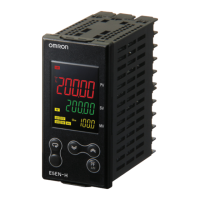
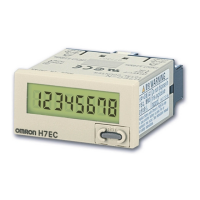
Multifunction Preset Counter
H7CX (Tachometer Function)
■
Operating Procedures (Tachometer Function)
Switching from Counter to Tachometer
Settings for Basic Operations
Easy Confirmation of Switch Settings Using Indicators
The ON/OFF status of the DIP switch pins can be
confirmed using the front display. For details, refer to page 124.
Note: 1.
Be sure to set pin 1 of the DIP switch to ON. If it is set to OFF, the DIP switch settings will not be enabled.
2.
Changes to DIP switch settings are enabled when the power is turned ON.
Power ON
Configuration selection mode Run mode
+
MODE
1
Switch to 2cnt to taco (tachometer operation) using the key.
The H7CX is factory-set to the 2-stage
counter (1-stage counter for H7CX-AU@
models) configuration. To switch to the
tachometer configuration, use the
procedure shown on the right. For details,
refer to page 39.
Hold down for
1 s min. (See note.)
Note: The key must be pressed before the key.
MODE
1
12345678
Settings for basic functions can be performed with just the DIP switch.
Be sure to set pin 1 to ON.
Note: All of the pins are factory-set to OFF.
ON
OFF
Item OFF ON
1 DIP switch set-
tings enable/
disable
Disabled Enabled
2 Counting speed 30 Hz 10 kHz
3 Tachometer out-
put mode
Refer to the table on the right.
4
5 Average pro-
cessing
Refer to the table on the right.
6
7 --- --- ---
8 NPN/PNP input
mode
NPN PNP
Pin 3 Pin 4 Tachometer output mode
OFF OFF Upper and lower limit
ON OFF Area
OFF ON Upper limit
ON ON Lower limit
Pin 5 Pin 6 Average processing
OFF OFF OFF (no average processing)
ON OFF 2 times
OFF ON 4 times
ON ON 8 times
Advanced-Function Settings
After making DIP switch settings for basic operations, advanced-functions (see note) can be added using the operation keys.
For details, refer to page 34.
Note: Advanced functions consist of decimal point position, prescale value, auto-zero time, startup time, display color, output allo-
cation, and key protect level.


 To Next Page