EasyManua.ls Logo

Omron HEM-7320T-CACS - User Manual

Omron HEM-7320T-CACS
54 pages
Print Icon
To Next Page IconTo Next Page
Loading...
English
Français
3124754-8A
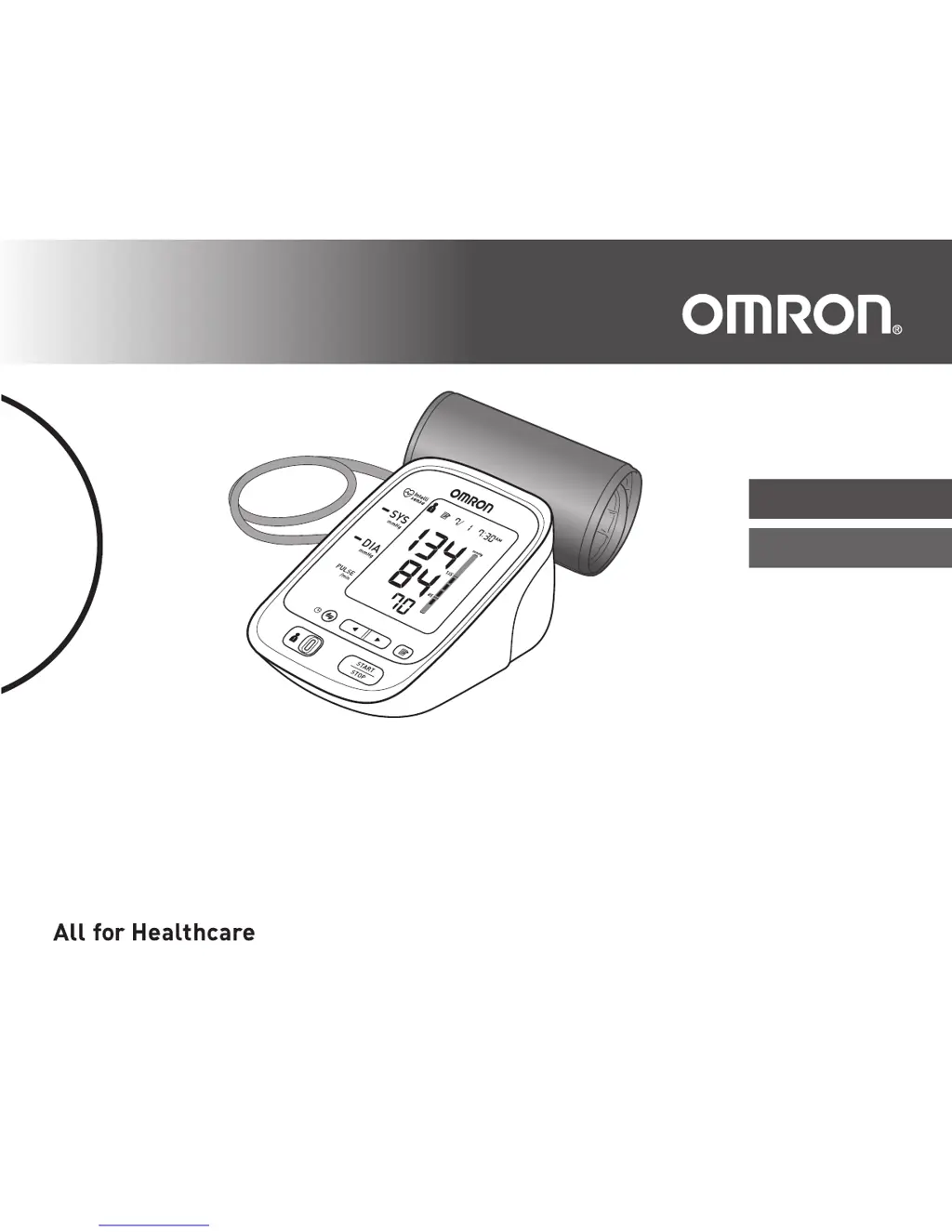
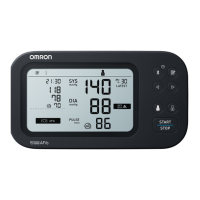
Blood Pressure Monitor / Tensiomètre
Model / Modèle BP769CAN
Instruction Manual / Guide de l’utilisateur

Questions and Answers

  • A
    Angela EllisAug 7, 2025
    What to do if the batteries are depleted in my Omron HEM-7320T-CACS?
    • K
      Kimberly CampbellAug 7, 2025
      If your Omron Blood Pressure Monitor's batteries are depleted, immediately replace all four batteries with new ones. Also, ensure that the batteries are properly inserted, paying close attention to the correct alignment of the polarities.
  • C
    Christopher GreenAug 11, 2025
    What to do if Omron HEM-7320T-CACS Blood Pressure Monitor detects irregular heartbeats?
    • T
      Taylor MossAug 11, 2025
      If your Omron Blood Pressure Monitor detects irregular heartbeats, remove the arm cuff, wait 2-3 minutes, and then take another measurement. Repeat the measurement steps. If the error continues, consult your physician.
  • D
    Daniel ValenciaAug 17, 2025
    How to fix a disconnected air plug on Omron HEM-7320T-CACS?
    • D
      David RoseAug 17, 2025
      If the air plug is disconnected from your Omron Blood Pressure Monitor, securely insert the air plug.
  • A
    alyssapearsonAug 22, 2025
    What to do if the arm cuff is too loose on Omron Blood Pressure Monitor?
    • J
      jjonesAug 22, 2025
      If the arm cuff on your Omron Blood Pressure Monitor is applied too loosely, tighten it for a more accurate reading.
  • P
    Patrick SmithAug 27, 2025
    How to fix air leaking from the arm cuff of Omron HEM-7320T-CACS?
    • A
      Amy SmithAug 27, 2025
      If air is leaking from the arm cuff of your Omron Blood Pressure Monitor, replace the arm cuff with a new one.
  • E
    Eugene DixonSep 1, 2025
    What to do if there is movement during measurement with Omron HEM-7320T-CACS?
    • J
      Juan JohnsonSep 1, 2025
      If you move during a measurement with your Omron Blood Pressure Monitor, carefully read and repeat the measurement steps.

Summary

Introduction to the OMRON Blood Pressure Monitor

Safety Instructions for Monitor Use

Essential safety guidelines for using the OMRON Blood Pressure Monitor.

Contraindications for Blood Pressure Monitoring

Lists conditions or situations where the monitor should not be used.

Definitions and Symbols in the Manual

Safety Indicators and Notes

Explains warning, caution, and informational symbols used in the manual.

Important Safety Information and Warnings

General Warnings and Precautions

Critical warnings about medication, usage on injured arms, and during medical treatments.

Safety Guidelines for Monitor Operation

AC Adapter and Battery Handling

Safe practices for using and storing AC adapters and batteries.

General Cautions for Use

Important precautions for accurate readings and user comfort.

Operational Safety and Preparation

Operating Environment and Preparation

Advice on suitable environments and pre-measurement preparation steps.

Device Safety During Data Transfer

Battery Safety and Handling Procedures

Battery Handling and Usage

Detailed instructions for battery insertion, replacement, and safety.

2. Preparation for Use

Battery Installation Guide

Step-by-step instructions for installing batteries in the monitor.

Using the AC Adapter

Using the AC Adapter

Instructions for connecting and using the AC adapter for power.

Setting the Date and Time

Setting the Date and Time

Manual procedure for setting the monitor's date and time.

Date and Time Adjustment

Arm Cuff Application

Applying the Arm Cuff

Proper method for applying the arm cuff to the upper arm.

Pre-Measurement Preparation

Before Taking a Measurement

Essential steps and conditions to ensure accurate readings.

Proper Measurement Posture

3. Using Monitor Without Smart Device

Taking a Measurement (Standalone)

Instructions for performing a blood pressure measurement without a smart device.

Performing Standalone Measurements

Starting and Completing Measurement

Steps for initiating, monitoring, and finishing a measurement.

Guest Mode Operation

4. Using Monitor With Smart Device

Pairing Your Monitor with a Smart Device

Steps to connect the monitor to a smartphone via Bluetooth.

Smart Device Pairing Process

Pairing Process Steps

Detailed steps for establishing a Bluetooth connection.

Smart Device Connectivity Notes

Transferring Readings with Smart Device

Taking and Transferring Readings

How to take a measurement and immediately transfer data.

Confirming Data Transfer and Memory

5. Using the Memory Function

Viewing Average Measurement Values

Deleting Stored Readings

Deleting All Stored Readings

Procedure to erase all saved readings for a user.

7. Error Messages and Troubleshooting

Error Messages and Solutions

Lists common error displays and their corresponding solutions.

Troubleshooting Specific Errors

Error Codes E2, E3, E4, E5

Explains specific error codes related to measurement issues.

Connection Failure and Device Error

Addresses errors related to data transfer and device malfunction.

General Troubleshooting Procedures

8. Maintenance and Care

Cleaning and Disposal Procedures

Omron HEM-7320T-CACS Specifications

General IconGeneral
Product NameOmron HEM-7320T-CACS
CategoryBlood Pressure Monitor
Measurement MethodOscillometric
Memory100 readings
ConnectivityBluetooth
Irregular Heartbeat DetectionYes
Body Movement DetectionYes
Cuff Wrapping GuideYes
Clinically ValidatedYes
Power Source4 AA Batteries
Warranty5 years
Device TypeUpper Arm
DisplayLCD
Cuff Size22-42 cm

Related product manuals