21
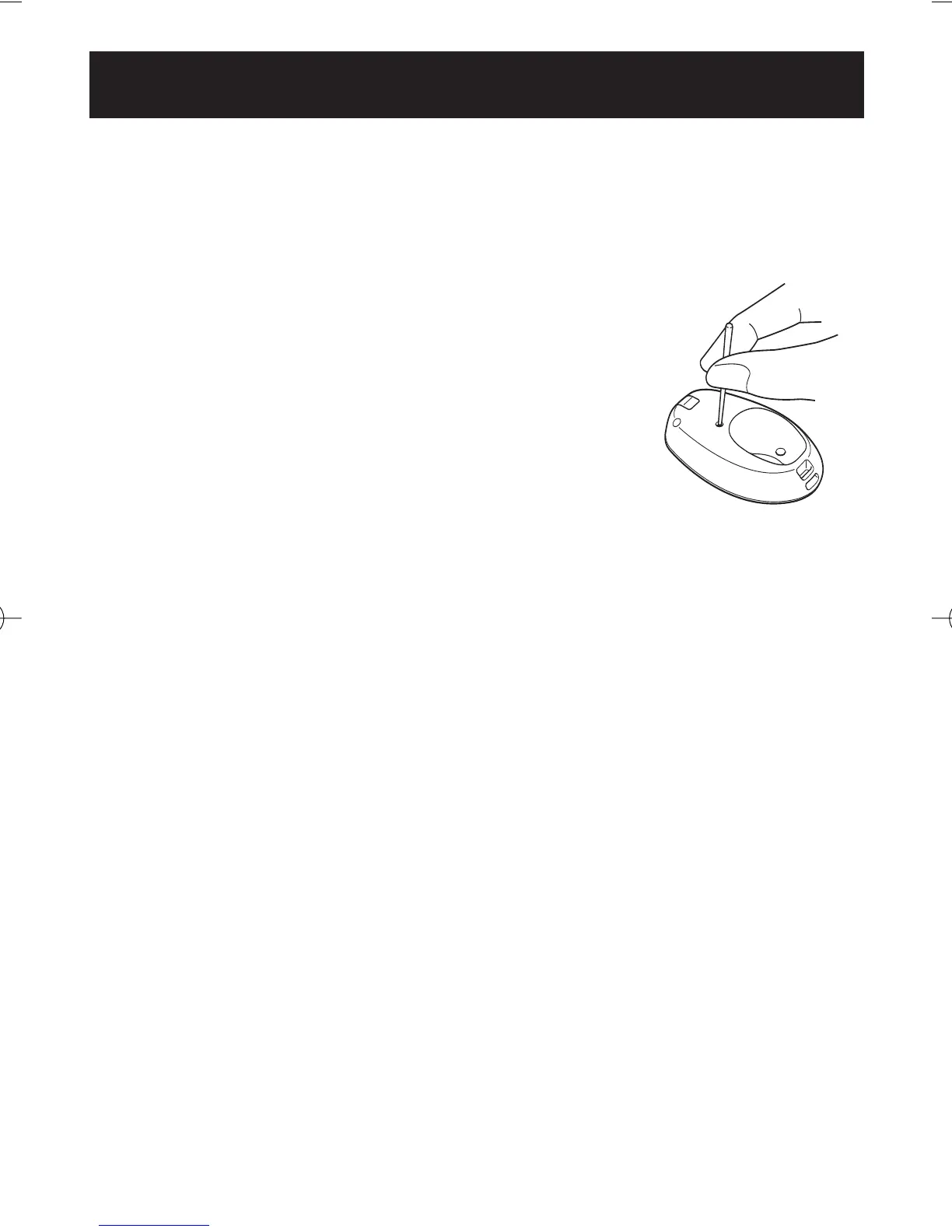
USING THE SYSTEM RESET FUNCTION
Use the SYSTEM RESET function in the following case:
The display becomes unrecognizable.
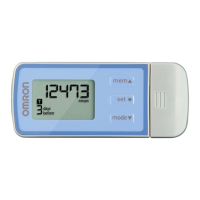
Press the SYSTEM RESET Button on the
back of the main unit.
All symbols appear on the display. The time is
reset to the default value (AM 12:00).
To reset the hour and minute refer to Setting the
Time on page 12.
NOTE:
The data stored in the memory is not deleted.
Data for the current hour is not stored in the
current days data.
HJ-720ITC-IM English Final.qxd 1/4/07 3:21 PM Page 21



 To Next Page