26
INSTALLING THE SOFTWARE
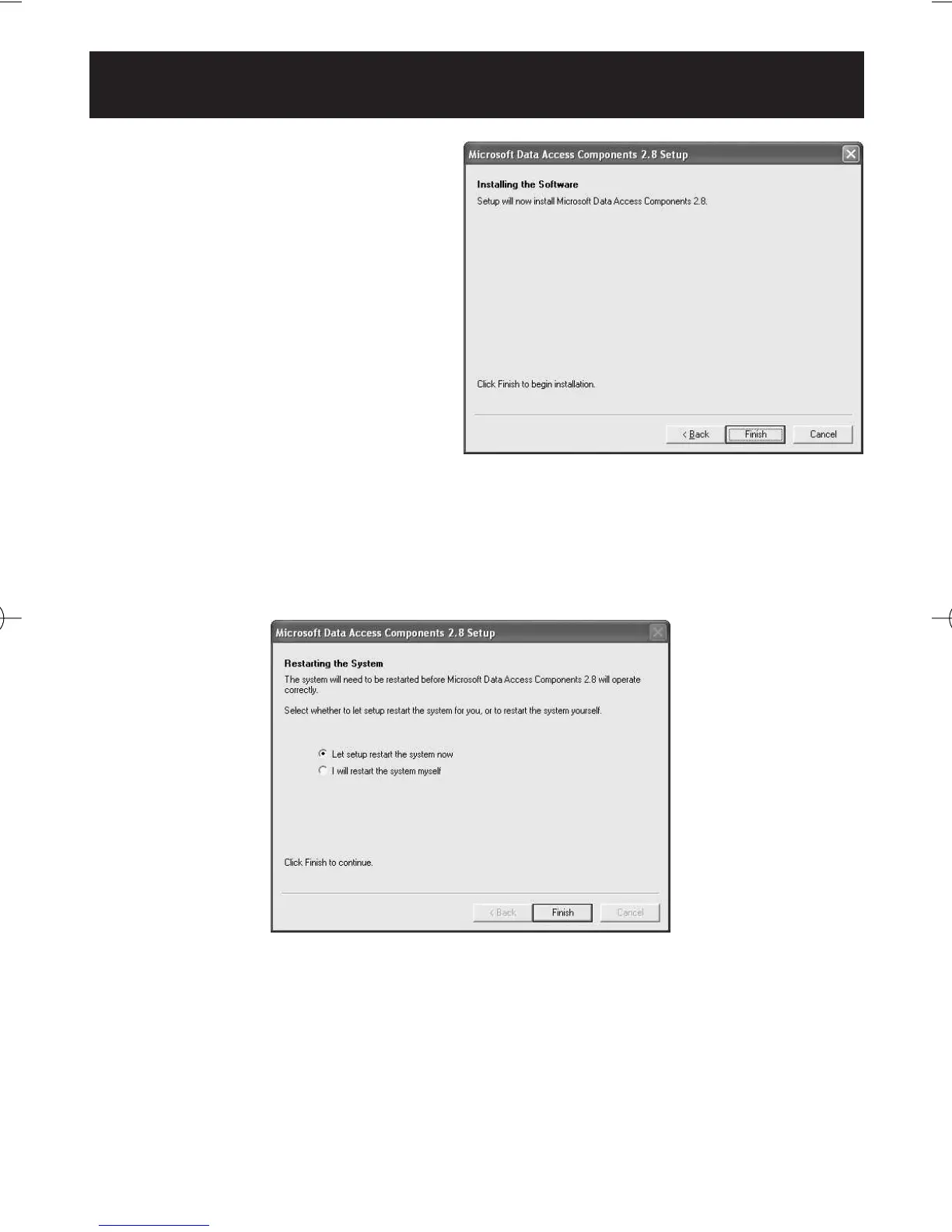
4. Click [Finish].
NOTES: • This screen appears when your PC must be restarted.
Select the checkbox [Let setup restart the system now], and
click [Finish]. Your PC will restart. After restart, start the
CD-ROM. (Refer to Step 1 for how to start the
CD-ROM.)
•
When restart is unnecessary, [Setup is complete] appears. Click
[Close].
HJ-720ITC-IM English Final.qxd 1/4/07 3:21 PM Page 26



 To Next Page