4
How to use the device?
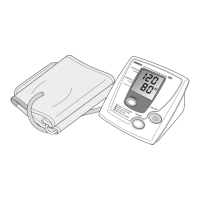
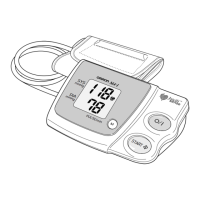
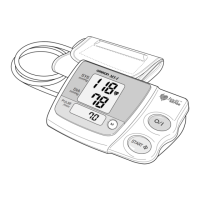
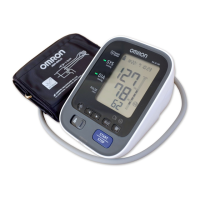
Please refer to the IM1 and IM2 for full details on the application of this
product.
Main steps:
1. Prepare for a measurement. 30 mins before it you shouldn’t drink
alcohol, smoke, have a hot shower, consume hot beverages, eat or
exercise. 5 minutes before the measurement relax and rest.
2. Install the batteries.
3. Apply the arm cuff on the left arm. (On using the right arm instead,
consult “General Precaution” chapter in IM1).
4. Sit correctly and place your arm at your heart’s level. Remain still
and don’t talk.
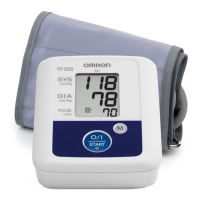
5. Take a measurement by pressing the START/STOP button.
6. Check the readings. Consult Section 1 of IM1 on the symbols that
may appear.
Cleaning of the device
• Do not use any abrasive or volatile cleaners.
• Use a soft dry cloth or a soft cloth moistened with mild (neutral)
detergent to clean your monitor and arm cuff, and then wipe them
with a dry cloth.
• Do not wash or immerse your monitor and arm cuff or other
components in water.
• Do not use gasoline, thinners or similar solvents to clean your
monitor and arm cuff or other components.
Maintenance
To protect your monitor from damage, follow the directions below:
• Changes or modifications not approved by the manufacturer will
void the user warranty.
• DO NOT disassemble or attempt to repair this monitor or other
components. This may cause an inaccurate reading.


 To Next Page