EasyManua.ls Logo

Omron M10-IT - User Manual

Omron M10-IT
50 pages
Print Icon
To Next Page IconTo Next Page
Loading...
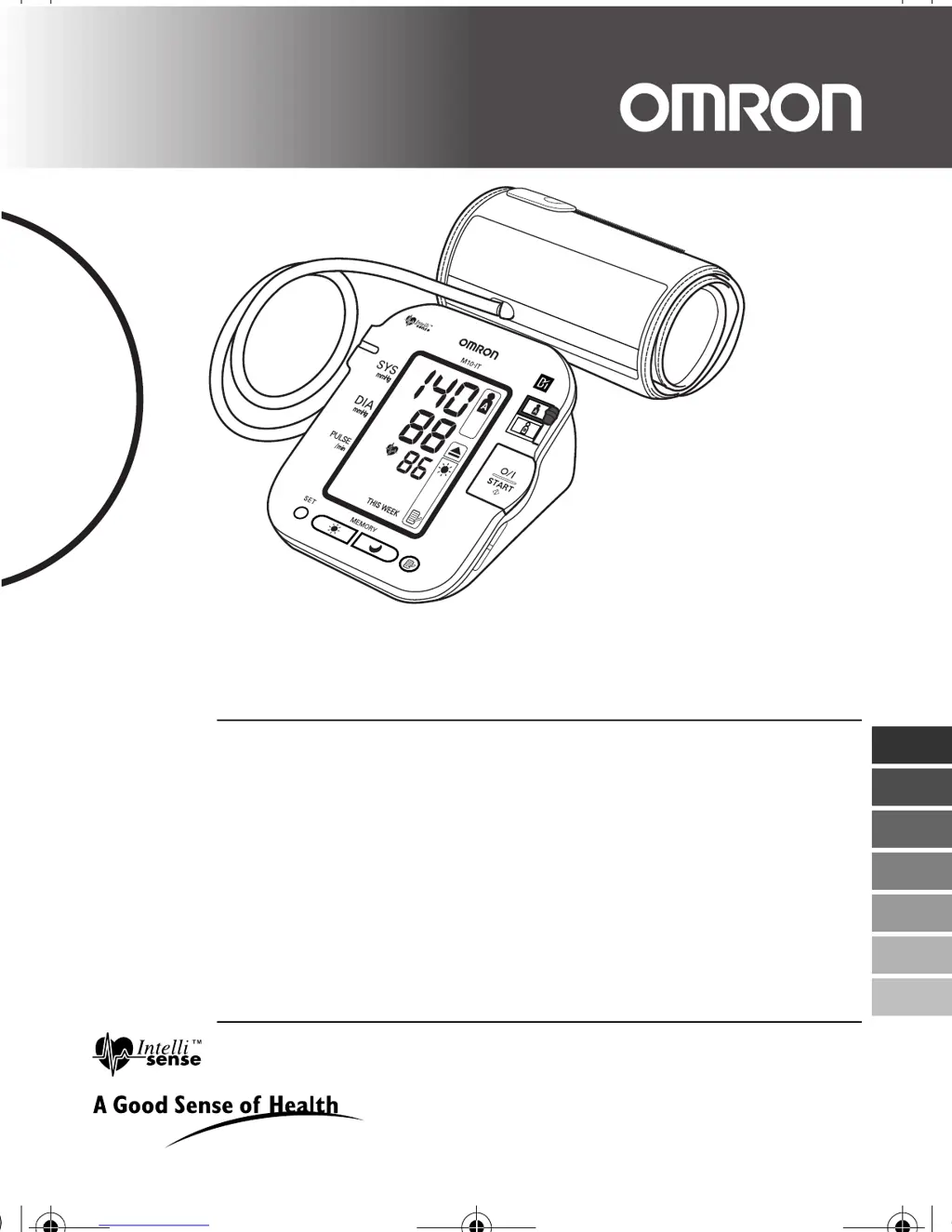
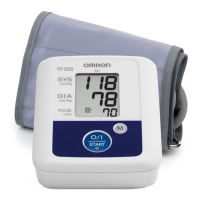
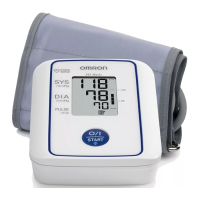
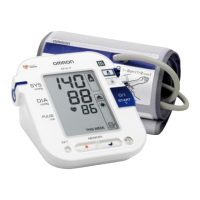
Digital Automatic Blood Pressure Monitor
Model M10-IT
• Instruction Manual
• Mode d’emploi
• Gebrauchsanweisung
• Manuale di istruzioni
• Manual de instrucciones
• Gebruiksaanwijzing
РУКОВОДСТВО ПО ЭКСПЛУАТАЦИИ
IM-HEM-7080IT-E-03-03/07
1663794-1D
EN
FR
DE
IT
ES
NL
RU
HEM-7080IT-E.book Page 1 Monday, April 2, 2007 11:52 AM

Questions and Answers

  • C
    ccarterJul 26, 2025
    What to do if I cannot get a reading or the readings are too high on my Omron M10-IT Blood Pressure Monitor?
    • J
      Jennifer Cherry DDSJul 26, 2025
      If you cannot measure or the readings are too high on your Omron Blood Pressure Monitor, ensure the arm cuff is attached correctly. Also, check that the air plug is properly connected to the unit by firmly pushing it into the air jack. The cuff pressure may not rise if the air plug is not correctly connected, even if the pump motor is working.
  • M
    Matthew JohnsonAug 5, 2025
    Why is my blood pressure different each time I use my Omron Blood Pressure Monitor, and the reading is extremely low or high?
    • M
      Marilyn MorganAug 5, 2025
      If your blood pressure readings from the Omron Blood Pressure Monitor vary each time, or the reading is extremely low or high, consider that blood pressure readings constantly vary depending on the time of measurement and your nervous condition. Before taking a measurement, take deep breaths to relax.
  • S
    susanandersonAug 15, 2025
    How to fix no display on my Omron M10-IT Blood Pressure Monitor when pressing the O/I START button?
    • S
      Stacey MiddletonAug 15, 2025
      If no display appears when you press the O/I START button on your Omron Blood Pressure Monitor, the batteries are likely empty. Replace the batteries.

Summary

Introduction

Important Safety Information

Overview

Main Unit Components

Identifies and describes the main parts of the blood pressure monitor unit.

Arm Cuff Description

Details the components and specifications of the arm cuff used with the monitor.

Display Symbols Explained

Explains the meaning of all symbols and indicators shown on the monitor's digital display.

Package Contents

Lists all items included in the product package for the user.

Preparation

Installing and Replacing Batteries

Step-by-step guide on how to insert or change the batteries in the blood pressure monitor.

Battery Life and Replacement

Information on how long batteries last and when they need to be replaced for optimal performance.

Setting Date and Time

Instructions for setting the correct date and time for accurate record keeping.

Using the Unit

Measurement Preparation and Execution

Guides on posture, cuff application, and basic measurement taking, including single and guest modes.

Advanced Measurement Modes

Instructions for using the Auto Mode and taking measurements under special conditions.

Data Management and Viewing

How to use memory, view averages, delete data, and download measurements to a PC.

Quick Reference Guide

Handling Errors and Problems

Error Message Explanations

Lists common error displays, their causes, and recommended solutions.

Troubleshooting Common Issues

Addresses common problems encountered with the unit and provides solutions.

Maintenance and Storage

Unit Care and Storage

Guidelines for protecting the unit from damage and proper storage when not in use.

Optional Parts

Using the AC Adapter

Instructions on how to connect and use the optional AC power adapter.

Technical Data

Blood Pressure Information

Understanding Blood Pressure

Explains what blood pressure is and why home measurement is beneficial.

Blood Pressure Classification

Presents the World Health Organization's classification of blood pressure values.

Omron M10-IT Specifications

General IconGeneral
TypeAutomatic
Cuff size22 - 42 cm
Display typeLCD
Memory slots168
Date imprintingYes
Number of users2 user(s)
Speaking function-
Placement supportedUpper arm
Battery typeAA
Number of batteries supported4
Quantity per pack1 pc(s)

Related product manuals