EasyManua.ls Logo

Omron Pocket Pain Pro PM400 - User Manual

Omron Pocket Pain Pro PM400
35 pages
Print Icon
To Next Page IconTo Next Page
Loading...
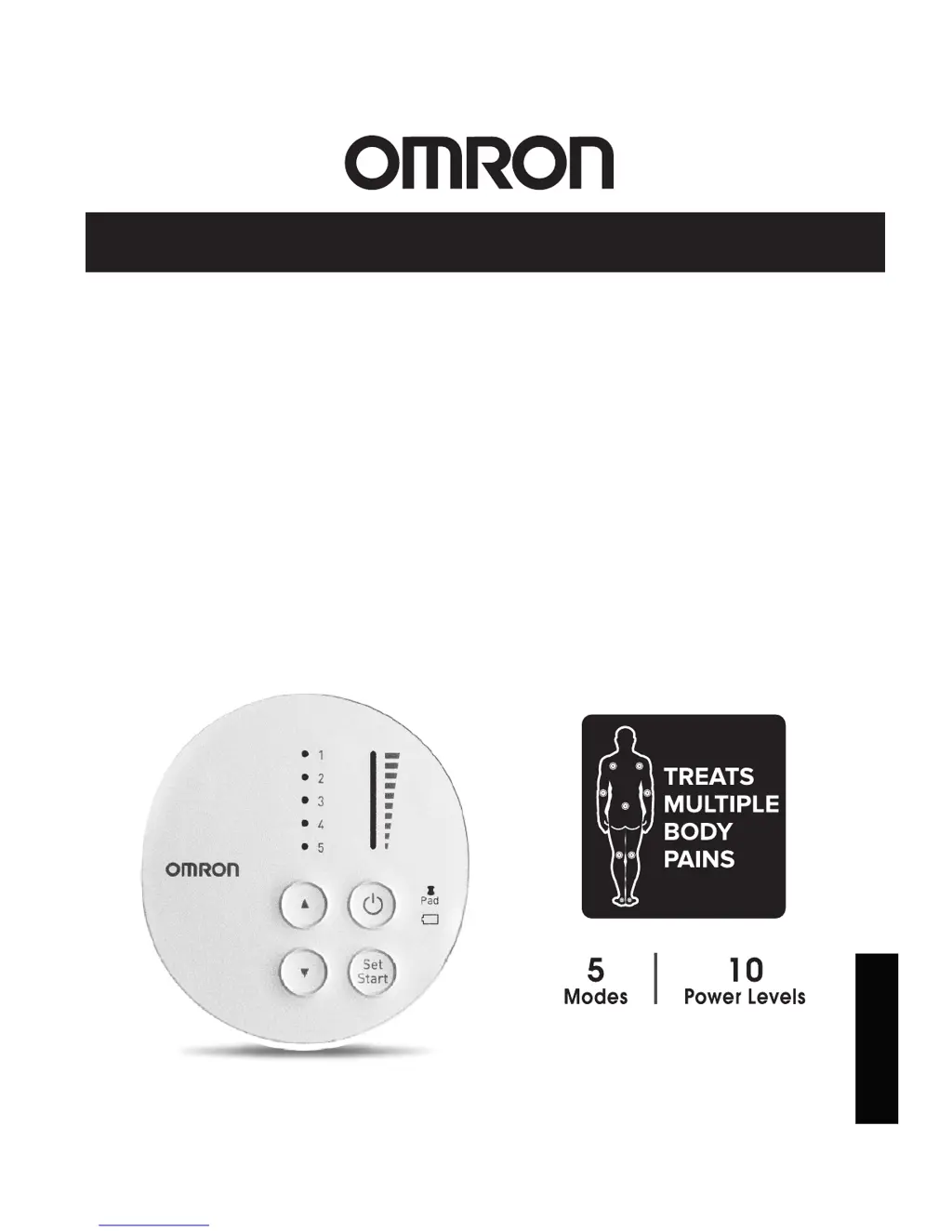
INSTRUCTION MANUAL
TENS Therapy Pain Relief
Pocket Pain Pro®
PM400
Pads are for Single Patient Use Only
®
All for Healthcare
ENGLISH

Questions and Answers

  • A
    Abigail WashingtonJul 27, 2025
    Why is the intensity not felt with my Omron Pocket Pain Pro PM400 Medical Equipment?
    • V
      Vanessa AdamsJul 27, 2025
      If you are experiencing a weak intensity level with your Omron Medical Equipment, ensure you are using both pads, and that you've removed the transparent film from the pad's adhesive surface. Also, make sure the pads aren't stacked or overlapping, and that the cord is properly connected to the unit. Check if the intensity setting is low and increase it by pressing the up button. If the gel is damaged or the batteries are weak, replace the pad or batteries, respectively. Finally, ensure the intensity is not set to '1', and increase it if necessary.
  • U
    uroseAug 1, 2025
    What to do if the pad gel does not stick to skin for Omron Pocket Pain Pro PM400?
    • R
      Randall MasonAug 1, 2025
      If the pad gel of your Omron Medical Equipment doesn't stick to the skin, start by peeling off the transparent film from the pad's adhesive surface. Ensure that neither the pad nor your skin is excessively wet; dry them if necessary. If the pad gel is damaged, replace it. If there's too much hair, shave the area. Clean the pad's adhesive surface gently under slow running cold water for about 3 seconds if it's dirty or dry. If perspiring, dry the pad placement area. For pads washed too long or frequently, leave them in the freezer overnight. Replace pads stored under high temperature, high humidity, or direct sunshine.
  • A
    andreagrayAug 6, 2025
    How to fix a blinking pad light on Omron Pocket Pain Pro PM400?
    • A
      Alyssa WilsonAug 6, 2025
      If the Pad Light is blinking on your Omron Medical Equipment, make sure that both pads are firmly attached to the body. Also, check that you have removed the transparent film from the pad. Ensure the cord is correctly connected to the main unit, and wash the adhesive surface of the pads gently with your fingertips under slow running cold water for about 3 seconds if it's dirty or dry.
  • S
    Stephanie CruzAug 11, 2025
    What to do if Omron Pocket Pain Pro PM400 power cuts off during use?
    • N
      Nancy GillAug 11, 2025
      If your Omron Medical Equipment loses power during use, the batteries may be weak, in which case you should replace both batteries at the same time. Alternatively, the cord might be broken, and you should replace it.
  • J
    Jeffrey KelleyAug 16, 2025
    Why does the battery light turn on for Omron Pocket Pain Pro PM400?
    • C
      Caleb WebsterAug 17, 2025
      If the Battery Light lights up on your Omron Medical Equipment, it indicates that the batteries are weak. Replace both batteries at the same time.
  • S
    Samantha GarciaAug 21, 2025
    How to troubleshoot no power on Omron Medical Equipment?
    • V
      vanessacarlsonAug 21, 2025
      To resolve a 'no power source' issue with your Omron Medical Equipment, check that the polarities of the batteries (+ and -) are aligned correctly. If they are correctly aligned, the batteries may be depleted, so replace them.

Summary

Intended Use of the Device

Important Safety Precautions and Warnings

Device Compatibility & Usage Conditions

Precautions when using the unit with other medical devices and under specific medical conditions.

User and Body Area Restrictions

Identifies individuals and specific body areas where the TENS unit should not be applied due to safety risks.

How the Pocket Pain Pro Works

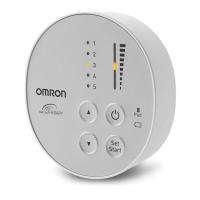
Know Your Unit Components and Features

Buttons and Their Functions

Detailed explanation of the unit's buttons, lights, and their respective functions for operation.

Assembly Steps for the TENS Unit

Insert Batteries

Step-by-step instructions for correctly inserting the AAA batteries into the device.

Getting Started with Your Therapy Session

Pad Placement Guide

Visual and textual guide for correctly placing electrode pads on different body parts for effective pain relief.

Select Therapy Mode

Instructions on choosing from the five pre-set therapy modes based on pain type and desired sensation.

Controlling and Reducing Your Pain

Cleaning and Storage Instructions

Troubleshooting Common Issues

Product Specifications

Omron Pocket Pain Pro PM400 Specifications

General IconGeneral
Device TypeTENS Unit
ModelPM400
BrandOmron
Power SourceBattery
Battery Type2 x AAA batteries
Intensity Levels10 levels
Intended UsePain relief
WeightApproximately 0.3 lbs (136 g)
Dimensions60 (W) x 60 (H) x 21 (D) mm
TechnologyTranscutaneous Electrical Nerve Stimulation (TENS)
Electrode PadsSelf-adhesive pads
Automatic Shut-offYes
AccessoriesElectrode pads, batteries, user manual
Treatment Modes3 treatment modes

Related product manuals