EasyManua.ls Logo

Omron Step Counter - User Manual

Omron Step Counter
14 pages
Print Icon
To Next Page IconTo Next Page
Loading...
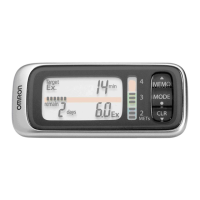
Step Counter
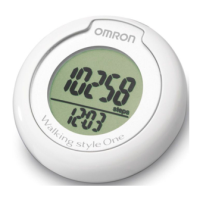
Walking style One
• Instruction Manual 1
• Mode d’emploi 15
• Gebrauchsanweisung 29
• Manuale di istruzioni 43
Manual de instrucciones 57
• Gebruiksaanwijzing 71
РУКОВОДСТВО ПО ЭКСПЛУАТАЦИИ 85
IM-HJ-152-E-02-08/08
EN
FR
DE
IT
ES
NL
RU
HJ-152-E2.book Page 1 Friday, October 10, 2008 11:52 AM

Questions and Answers

Omron Step Counter Specifications

General IconGeneral
TypePedometer
Measurement Accuracy±5%
Memory7 days
Battery LifeApproximately 6 months (using 1 LR43 battery, 30 minutes of use per day)
Water ResistanceNo

Summary

Using the OMRON Walking Style One

Important Cautions

Key safety warnings and precautions for handling the step counter.

Step Counter Settings Configuration

Determine and Set Stride Length

Method for measuring and inputting the user's stride length for accurate distance calculation.

Setting the Time

Step-by-step instructions for setting the current time on the device.

Setting the Weight

Instructions for inputting the user's body weight to calculate calories burned.

Attaching and Using the Step Counter

Operating the Step Counter

Actual Use and Walking

Instructions for starting to walk and activating aerobic mode.

Memory and System Functions

Battery Replacement and Care

How to Replace the Battery

Step-by-step guide for safely replacing the CR2032 battery.

Troubleshooting Common Issues

Display Not Responding

Solutions for an empty display after pressing buttons, often related to battery.

Technical Specifications

Related product manuals