28
EN
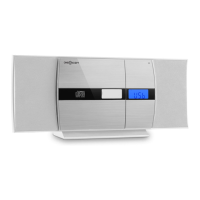
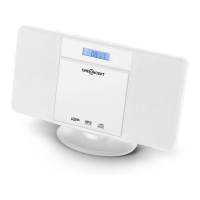
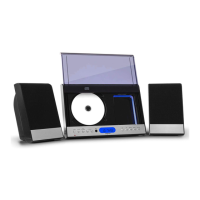
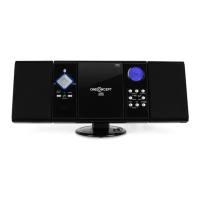
15 AUX input 23 Album / Preset+
16 Cover 24 Loudspeaker
17 Play / Pause / Scan 25 Wall mounting holes
18 Title search forward 26 Speaker stand
19 Stop / Save 27 Battery compartment
20 Title search backwards 28 FM antenna
21 Repeat / Prog / Preset- 29 Stand foot
22 Remote control sensor 30 Speaker suspensions
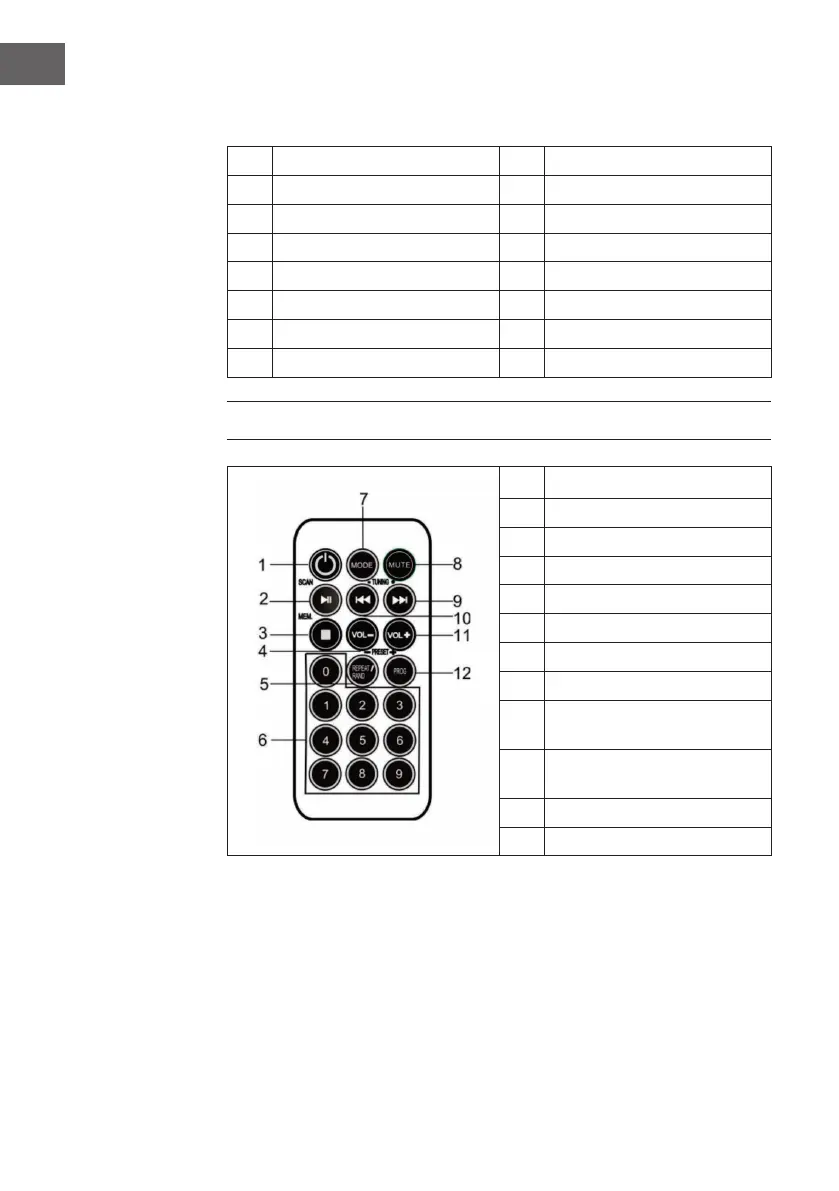
REMOTE CONTROL
1 Standby
2 Play / Pause / Scan
3 Stop / MEM.
4 Volume -
5 Repeat / Shufe / Preset-
6 Number keys
7 Mode
8 Mute
9
Forward search for title/
station
10
Search title/ station
backwards
11 Volume +
12 Prog / Preset+


 To Next Page