Configuración del sistema
5
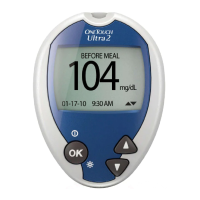
4. Ajuste la fecha.
En la pantalla FECHA Y HORA , presione o
para cambiar el año. Para confirmar su selección,
presione .
Presione o para cambiar el mes.
Para confirmar su selección, presione .
Presione o para cambiar el día.
Para confirmar su selección, presione .











 To Next Page
