EasyManua.ls Logo

Onix AAC-114 - Playback mode

Onix AAC-114
24 pages
Print Icon
To Next Page IconTo Next Page
To Previous Page IconTo Previous Page
Loading...
17
1300 886 649 Model: AAC-114 Product Code: 48463 12/2014
www.tempo.org
AUS
Instructions (Cont.)
Playback mode
Slide the MODE switch to the bottom setting to enter standby status in
playback mode.
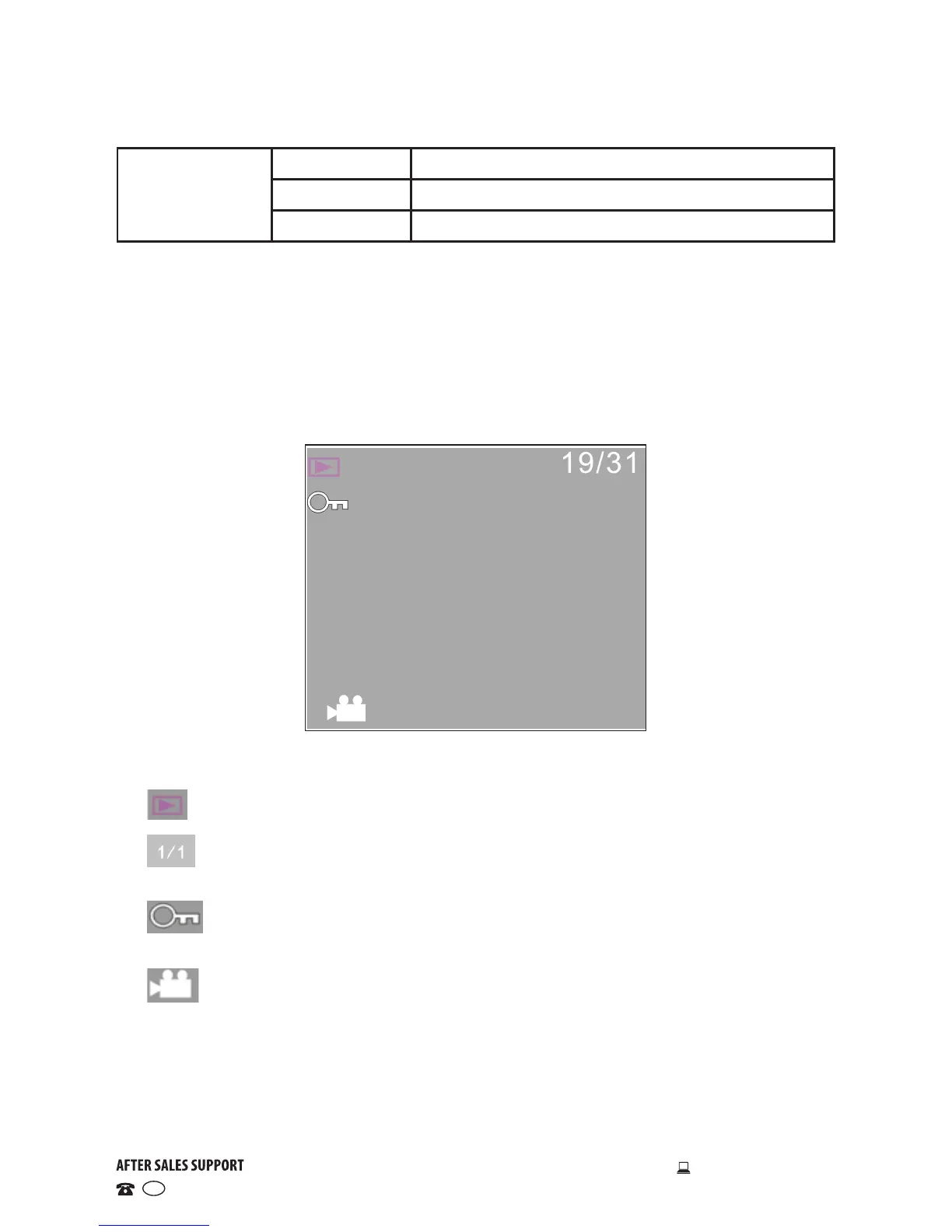
In playback mode the LCD displays the following icons:
Mode: Indicates that the current mode is playback.
Files/folders: Indicates that currently there are 19 files in 31 folders.
Lock: Indicates that the current folder is locked.
File type: Indicates the current file is a video file.
Date stamp
Off No date/time stamp printed on the file
Date Date printed in the corner of the photo/video file
Date and time Date and time printed in the corner of the file