Instructions (Cont.)
Main menu Submenu Description
Lock
Lock/unlock
this file
Lock/unlock this file
Lock all Lock all files
Unlock all Unlock all files
Delete
One Delete the current file
All Delete all files
Slide Show
Start Start playing the slide show
Interval
1sec.~10sec.
Repeat Yes/No
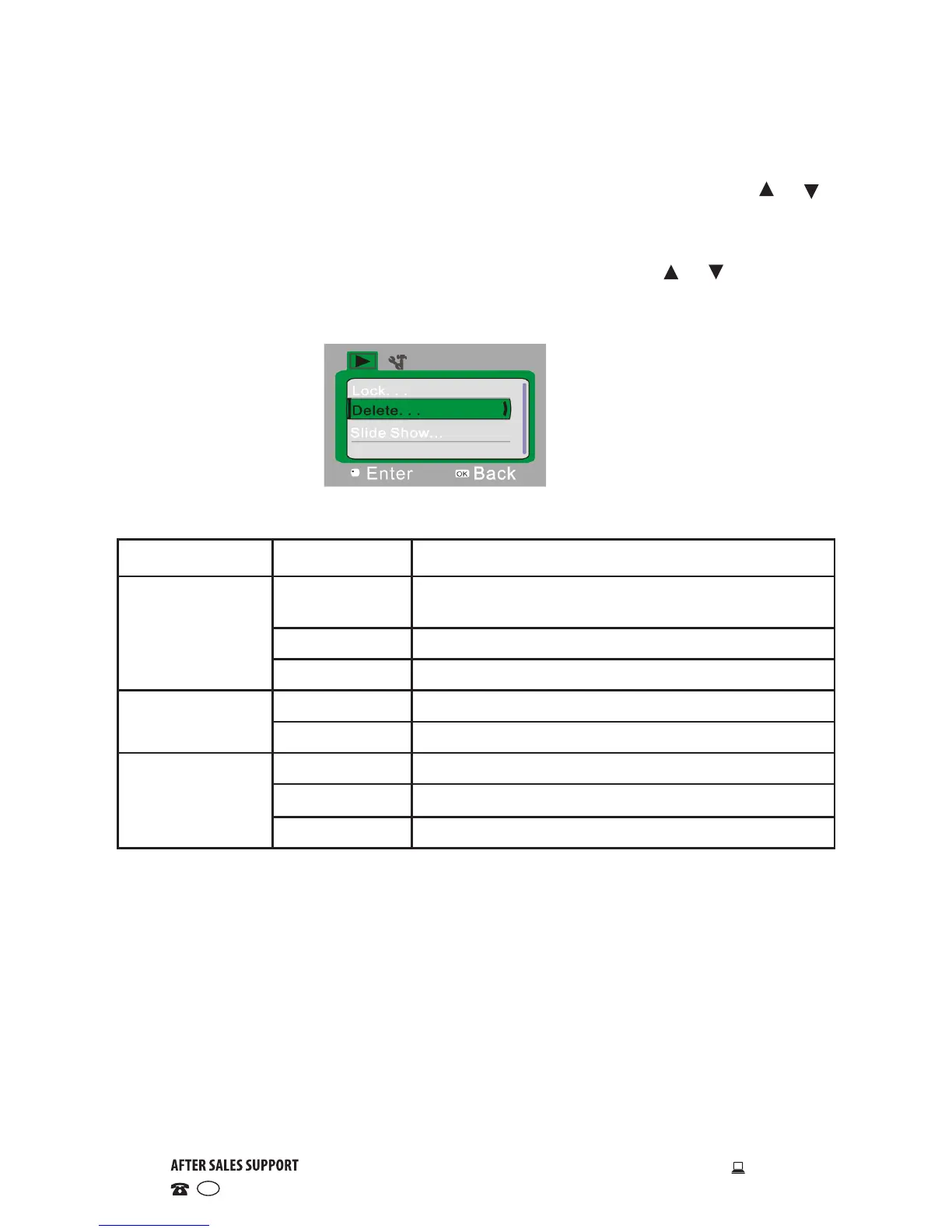
Playback menu setup
• Press the OK button to open the playback menu, and then use the or
buttons to select a menu item. The background of the selected menu item
will be highlighted once selected.
• Press the OK button to enter the submenu, then use the or buttons to
select an option. Press OK to confirm and return to the main menu. In the
main menu, press SHUTTER to exit the menu.



 To Next Page