19
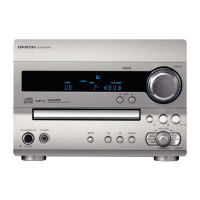
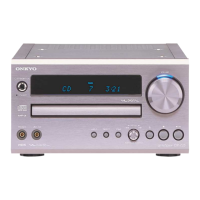
Using the CR-L5
1
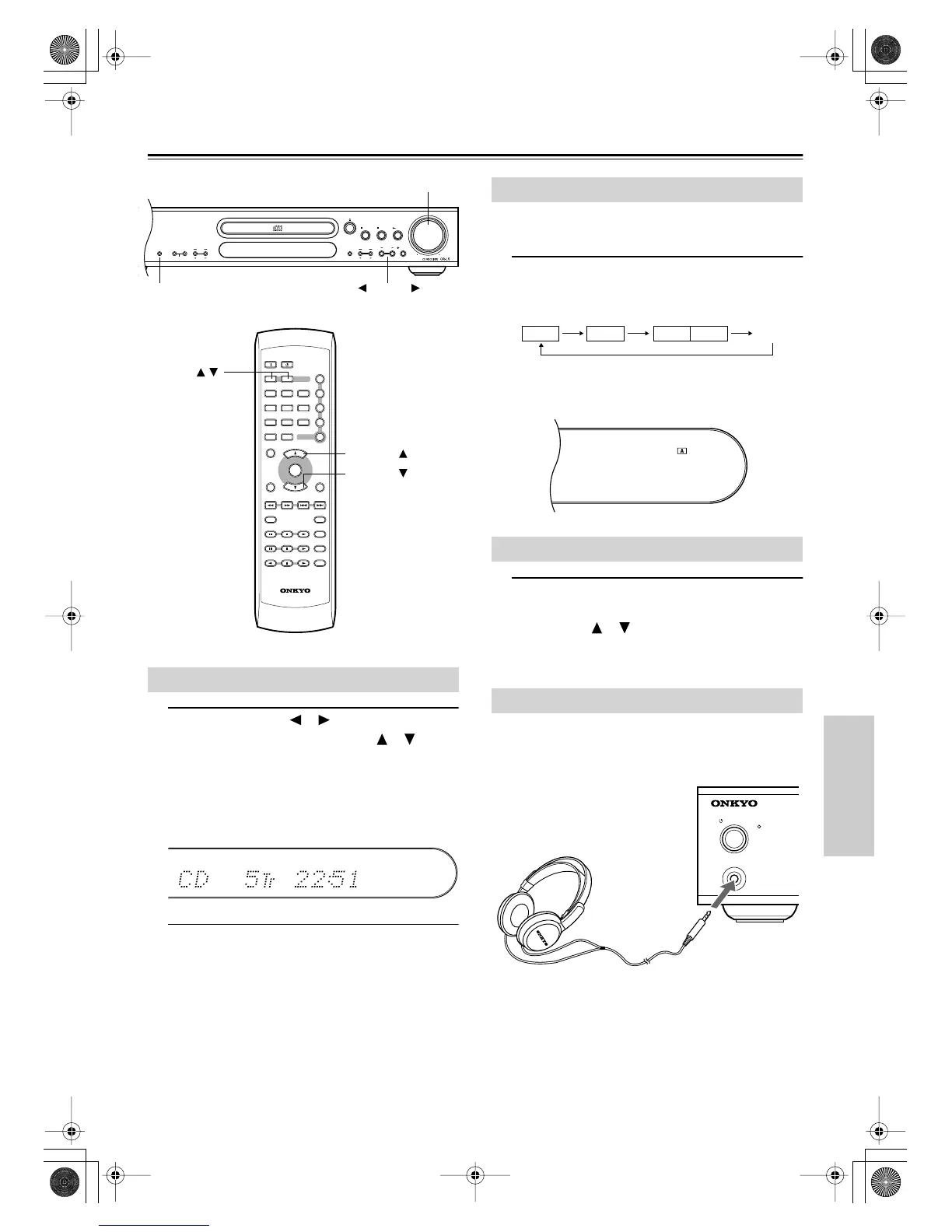
Use the INPUT [ ]/[ ] buttons, or the
remote controller’s INPUT [ ]/[ ] but-
tons to select one of the following
sound sources: CD, FM or AM, CD-R,
TAPE, TV/LINE.
The currently selected source is shown on the display.
In the following example, CD has been selected.
2
If you selected CD, see “Playing CDs”
on page 20.
If you selected AM or FM, see “Using the Radio” on
page 22.
If you selected CD-R, TAPE, or TV/LINE, start play-
back on the relevant component.
When you connect two sets of speakers, you can listen to set
A, set B, or both.
1
Use the [SPEAKERS A/B] button to
select the following options: A, B,
A+B, or off.
The speaker indicators on the display show the current
setting. In the following example, only speaker set A is
on.
1
To adjust the volume, use the VOLUME
control, or the remote controller’s
VOLUME [ ]/[ ] buttons.
Turn the VOLUME control clockwise to increase the
volume; counterclockwise to decrease it.
You can connect a pair of stereo headphones (1/4-inch
phone plug) to the CR-L5’s PHONES jack for private listen-
ing, as shown.
Notes:
•Always turn down the volume before connecting your
headphones.
• Speaker sets A and B are turned off while the headphones
plug is inserted in the PHONES jack.
Selecting Sound Sources
DISPLAY
DIRECT
MEMORY FM MODE
CLEAR
PRESET
VOLUME
SPEAKERS A/ B
STOP PLAYPAUSE
INPUT
TUNING
SPEAKERS A/B INPUT
ON STANDBY
ENTER
TONE
TIMER
DIRECT
SLEEP VOLUME
UP
DOWN
CLOCK CALL
DIMMER DISPLAY
CDR
C
D
TAPE
PLAY MODE
REPEAT
RC
-
535S
CLEAR
MUTING
12
▼
▲
3
456
789
▲
▼
INPUT
10/0
>
10
VOLUME control
INPUT /
VOLUME UP
VOLUME DOWN
Selecting Speaker Sets
Adjusting the Volume
Using Headphones
A B A B Off
STANDBY
/
ON
PHONES
STANDBY
CR-L5E.book Page 19 Monday, May 19, 2003 4:05 PM


 To Next Page
 Loading...