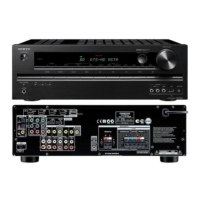
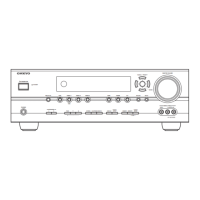
FIRMWARE UPDATE-2/2
USB Update (service mode)
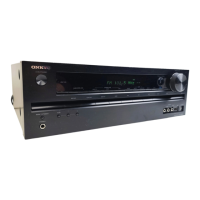
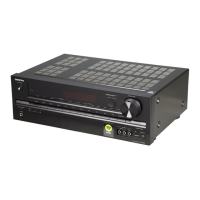
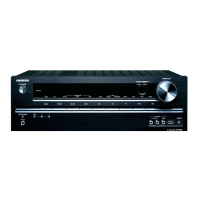
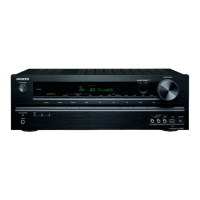
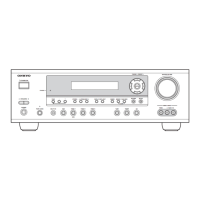
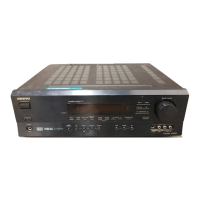
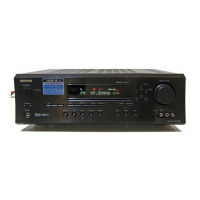
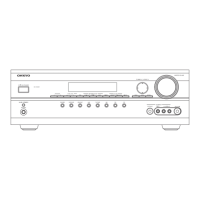
TX-SR313 / HT-RC430 / HT-R391 / HT-R558 / HT-R591
[Procedure]
1. Turn on the unit.
2. Select the USB input source.
3. Connect the USB storage device to USB port on the AV receiver.
4. Hold down [DISPLAY] button and then press [ON/STANDBY] button, main version will be displayed.
5. While DSP version is displayed, press [RETURN] button.
6. Select "USB -> ALL" by [PRESET(left/right)] and [TUNING(up/down)] cursors, then press [ENTER] button,
updating will begin.
7. Wait until update completes. When the update ends, "Completed!" is displayed.
8. Press [ON/STANDBY] button, and the unit turns on.
9. Press [ON/STANDBY] button, and "Clear" is displayed it automatically turns standby mode.
<Notes>: Never fail to make it clear.
10. Turn on the unit and check the new FW version number.


 To Next Page
 Loading...