30
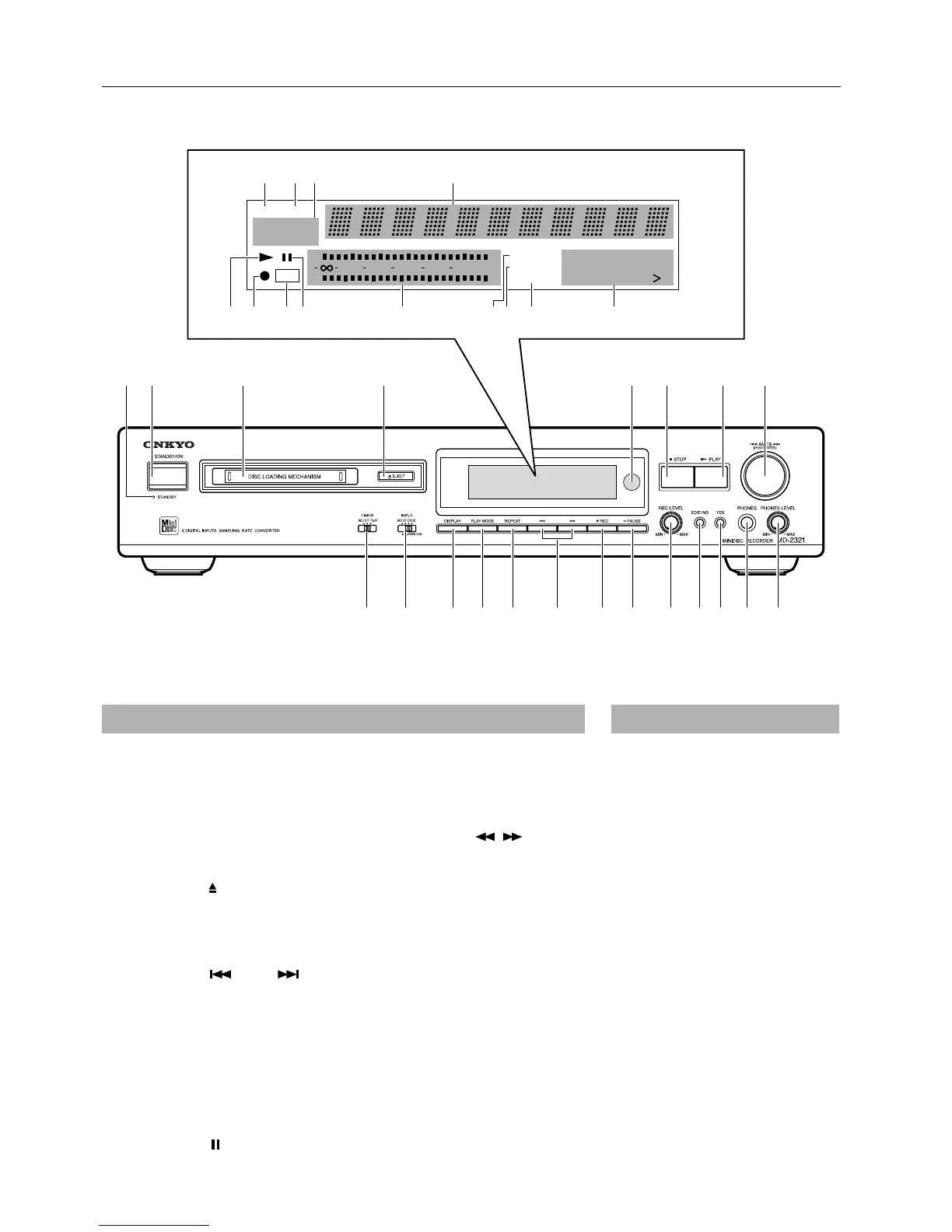
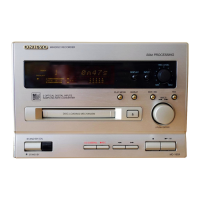
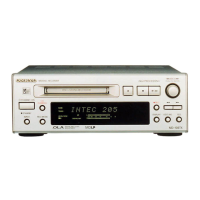
Control positions and names
TRACKDISC
12345
678910
11 12 13 14 15
DIGITAL IN
2
MEMORY
RANDOM
TOC
010 2 OVER2040
R
6
L
15
1
ANALOG IN
REPEAT 1
a
12 3 4 5 6 7 8
9101112131415161718192021
b
ml jkihgfe
cd
If there is a protective film on the surface of the display, which is making it difficult to read
the display, remove it.
For more information about a button or control, turn to the page number listed in square
brackets [ ].
1. Stand-by indicator (STANDBY) [5]
2. Stand-by/On button (STANDBY/
ON) [7, 12, 14]
3. Disc slot [7, 12, 14, 18]
4. Eject button ( EJECT) [8]
5. Remote sensor [5]
6. Stop button (■STOP) [7]
7. Play button (®®
®®
PLAY) [7, 10, 13, 15,
17, 19]
8. AMCS knob ( AMCS )
[9, 12, 14, 19-25]
9. Phones level control knob
(PHONES LEVEL) [8]
10. Headphone jack (PHONES) [8]
11. Yes button (YES) [15, 16, 20-25]
12. Edit/No button (EDIT/NO)
[15, 16, 20-25]
13. Rec level control knob
(REC LEVEL) [15]
14. Pause button ( PAUSE)
[7, 13, 15, 21]
15. REC button (●REC) [13, 15, 16]
16. FF/FR buttons ( , ) [10, 25]
17. Repeat button (REPEAT) [11]
18. Play mode button (PLAY MODE)
[10, 19]
19. Display button (DISPLAY) [8, 24]
20. Input button (INPUT) [12, 14, 16]
21. Timer button (TIMER) [18]
Front panel
a. DISC indicator
b. TRACK indicator
c. Input setting indicator
d. Time/Title display
e. Track number display
f. REPEAT indicator
g. RANDOM indicator
h. Memory indicator
i. Peak level meter
j. Pause indicator
k. TOC indicator
l. REC indicator
m. Play indicator
Display


 To Next Page