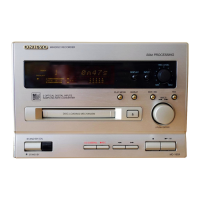
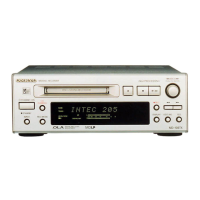
7
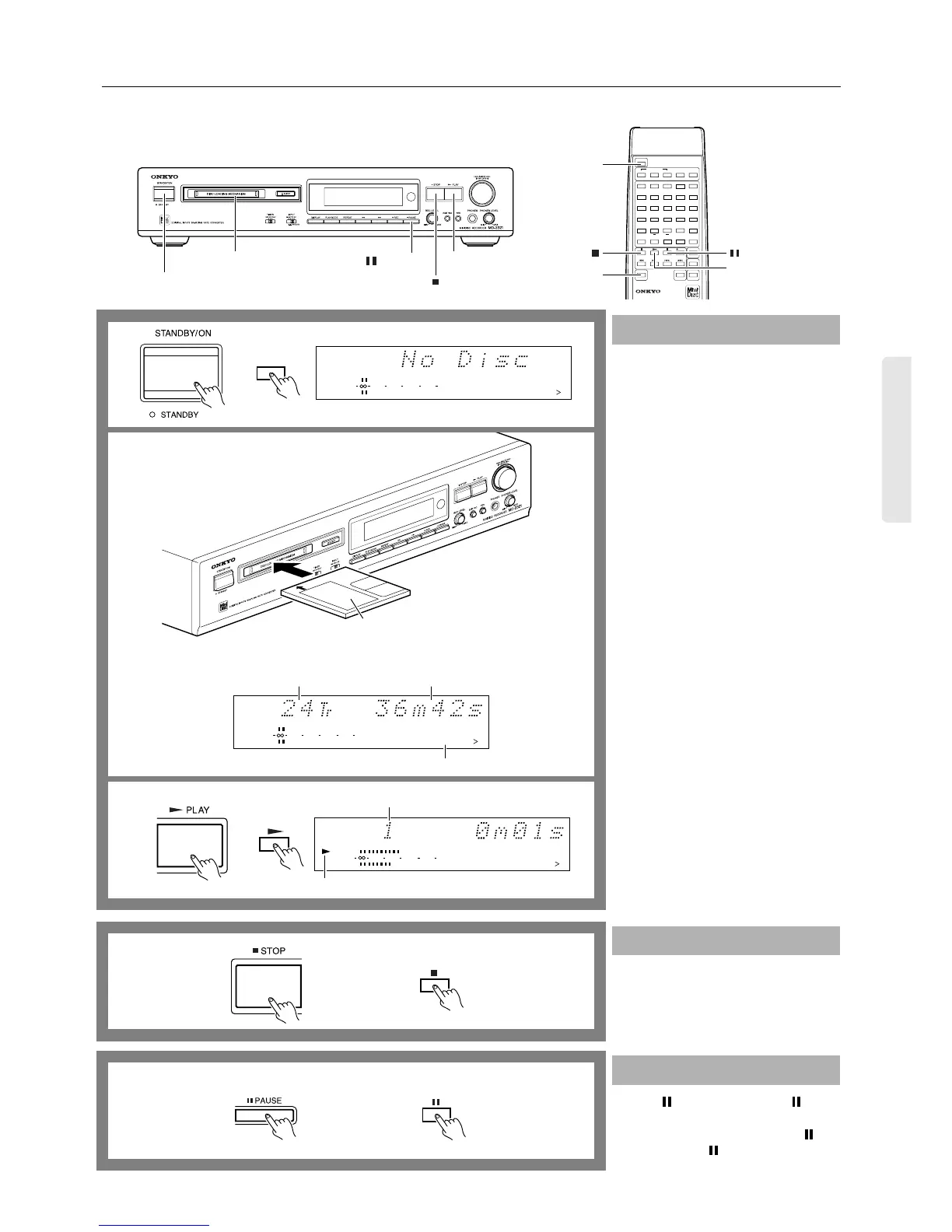
Playing an MD
POWER
REMOTE CONTROL RC-339MD
CONTINUE
PLAY MODE
RANDOM MEMORY
REPEAT
>25
M.SCAN
CLEAR
ENTER
NAME
SCROLL DISPLAY
1
A
2345
678910
11 12 13 14 15
16 17 18 19 20
21 22 23 24 25
BCDE
FGHI J
KLMNO
PQRST
UVWX Y
Z
.,
/?!
()
REC
A-B A-SPACE
RC-339MD
3
SCROLL
1
1
3
2
STOP
PAUSE
1. Press the STANDBY/ON button.
The STANDBY indicator will turn off.
2. Insert an MD.
The MD recorder reads TOC (Table Of
Contents) information on the MD to
display the total number of tracks and
total playing time.
•
When an MD recorded with a disc name
(title) is inserted, the disc name is dis-
played. If the disc name is too long and
you cannot view the entire name, press
the SCROLL button on your remote
controller to scroll the display.
3. Press the
®
PLAY button (or the
®
button on the remote controller).
The first track of the disc starts playing.
Press the
■
STOP button (or the
■
button
on the remote controller).
Press the PAUSE button (or the button
on the remote controller).
To resume playback, press the
®
or but-
ton (or the
®
or button on the remote
controller).
Normal playback
Stopping playback
Pausing playback
TRACK
12345
678910
11 12 13 14 15
DIGITAL IN
010 22040
R
6
L
15
1
PLAY indicator
Playing track number
Remote controller
The total number of tracks
Insert an MD with its label side up
into the MD recorder in the direction
indicated by the arrow.
12345
678910
11 12 13 14 15
DIGITAL IN
010 22040
R
6
L
15
1
The total playing time
Current track number
12345
678910
11 12 13 14 15
DIGITAL IN
010 22040
R
6
L
15
1
POWER
Remote controller
1
2
3
Remote controller
Remote controller


 To Next Page