34
Naming a preset station
You can name the preset stations so that the
name, instead of the frequency, appears on
the display when you press the DISPLAY but-
ton. (For more information, see “Display
options” on page 31.)
Note
You cannot enter characters for an RDS sta-
tion that has a program service (PS) name,
since the PS name has priority over other
character information. (For more informa-
tion on RDS stations, see page 37.)
• RDS reception is available only on the
European models.
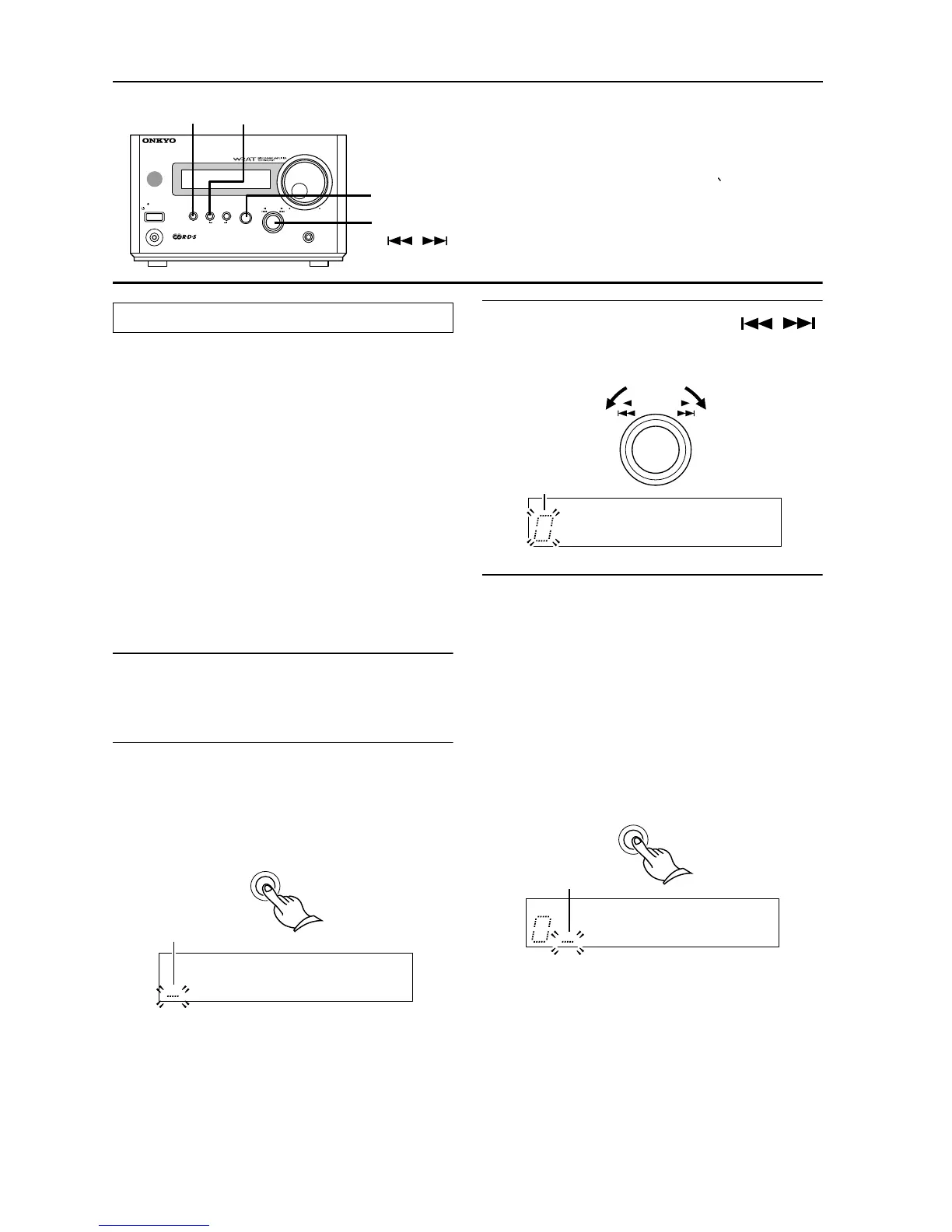
1 Select the station you wish to name.
(See “Selecting preset stations” on
page 33.)
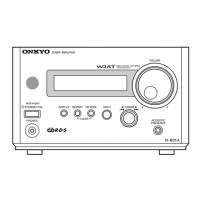
2 Press and hold down the DISPLAY but-
ton for more than two seconds.
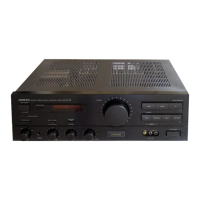
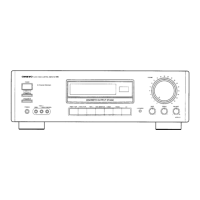
The R-801A enters character input mode,
and “.....” flashes on the display.
3 Use the the √TUNING® (/)
control to select a character.
The character flashes on the display.
4 Press the MEMORY button to store
the character.
Flashing “.....” mark appears next to the
stored character.
Repeat the steps 3 and 4 to store more
characters. You can store up to 8 charac-
ters.
To enter a space between characters,
press the MEMORY button. The bar cursor
moves on to the next position.
(continued on the next page)
DISPLAY
R
-
8 01A
STANDBY
/
ON
STANDBY
INPUT
ACOUSTIC
PRESENCE
TUNING
MEMORY FM MODE
CLEAR
PHONES
TUNER
AMPLIFIER
VOLUME
INPUT
MEMORY
DISPLAY
√TUNING®
( , )
The following 54 characters can be used:
A B C D E F G H I J K L M N O P Q R S
T U V W X Y Z “ & ‘ ( ) * + , - . / = ? [ \ ] | 0
1 2 3 4 5 6 7 8 9
[
Naming a preset station
DISPLAY
Flash
Flash
TUNING
Flash
MEMORY


 To Next Page
 Loading...