
 To Next Page
A
Andrew ContrerasSep 12, 2025
What to do if Onson J10C shows bumper error?
- AAlexander HarrisSep 12, 2025
If your Onson Vacuum Cleaner is displaying a bumper error, check the bumper and remove any object that could be blocking it.

What to do if Onson J10C shows bumper error?
If your Onson Vacuum Cleaner is displaying a bumper error, check the bumper and remove any object that could be blocking it.
How to fix gyroscope error on Onson J10C?
To fix a gyroscope error on your Onson Vacuum Cleaner, keep the robot at a stable place to restart and do not move the machine.
Essential safety guidelines for operating the ONSON robot vacuum cleaner, covering warnings and precautions.
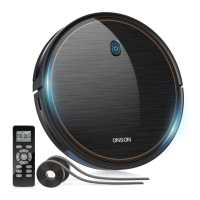
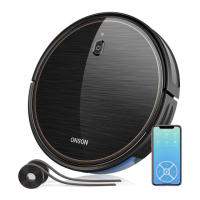
Detailed identification and description of the robot cleaner's various sensors and physical parts.
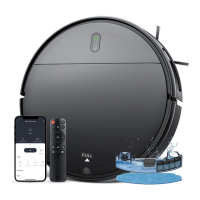
Information on the charging dock, remote control, and other included accessories for the robot vacuum.
Step-by-step instructions for setting up and initiating the robot vacuum cleaner's first use.
How to activate and manage the automatic cleaning function of the robot vacuum.
Details on operating modes like fixed point, suction adjustment, border cleaning, and random sweep.
Instructions on setting, modifying, and canceling cleaning schedules via the remote control.
Procedures for emptying the dust box and cleaning or replacing the filter.
Instructions for cleaning the rolling brush, side brushes, swivel wheel, and sensors.
Explanation of beep codes and red light indicators for common error conditions.
Troubleshooting common issues like charging problems, work interruptions, and remote control errors.
Detailed technical data including product type, power, battery, and performance metrics.
Regulatory compliance information regarding FCC rules and potential radio frequency interference.
 General
| Brand | Onson |
|---|---|
| Model | J10C |
| Category | Vacuum Cleaner |
| Language | English |