Med PC MedPC-5500
19
2.1 Safety Precautions
Always completely disconnect the power cord
from your board whenever you are working on
it. Do not make connections while the power is
on, because a sudden rush of power can
damage sensitive electronic components.
Always ground yourself to remove any static
charge before touching the board. Modern
electronic devices are very sensitive to static
electric charges. Use a grounding wrist strap at
all times. Place all electronic components on a
static-dissipative surface or in a static-shielded
bag when they are not in the chassis
2.2 A Quick Tour of the MEDPC-5500
Before you start to set up the MEDPC-5500, take a moment to
become familiar with the locations and purposes of the controls,
drives, connections and ports, which are illustrated in the figures
below.
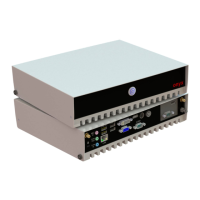
When you place the MEDPC-5500 upright on the desktop, its front
side appears as shown in Picture 2-1.
Picture 2.1: Front View of the MEDPC-5500


 To Next Page
 Loading...