Med PC MedPC-5500
27
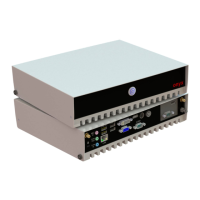
2.8 Rear Panel Connectors
1. DC-in power jack This port is for 24V DC power.
2. COM These 9-pin COM port is for serial devices.
3. VGA port This 15-pin port connect is for a VGA monitor.
4. Display port This 20-pin port is for external connectors on
desktops, notebooks, graphics cards, monitors..
5. USB 2.0 ports These 4-pin Universal Serial Bus (USB) ports
are available for connecting USB 2.0 devices.
6. USB 3.0 ports These 9 Universal Serial Bus (USB) ports are
available for connecting USB 3.0 devices.
6. LAN (RJ-45) port. These port allows Gigabit connection to a
Local Area Network (LAN) through a network hub. Refer to the
table below for the LAN port LED indications.
LAN port LED indications
DC-in


 To Next Page
 Loading...