Med PC MedPC-5500
20
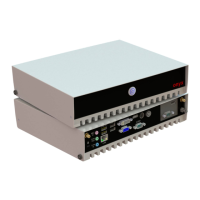
When you turn the 5500 around and look at its rear side, as shown
in Picture 2-2.
Picture 2.2: Rear view of the Zeus Series
2.3 Turn On and Boot up into Windows OS
This section is for Windows operating system only. If you are
installing a different operating system, please contact your vendor
for installation details.
Your 5500 will begin loading Windows OS once you push the power
button to turn power on. After less than one minute, Windows
desktop screen will appear.
You can select the programs from the start menu in the left-down
corner of the desktop screen.
2.4 Turn off
Turning off ZEUS properly is important for system reliability. There
are two ways to turn off the system.
1. On the start menu, click “shut down” and select “OK”
2. Push the power button and then the system will shut down


 To Next Page
 Loading...