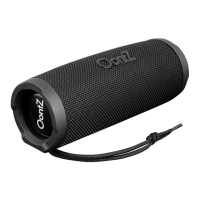
Wireless Hands-Free Personal Speakerphone
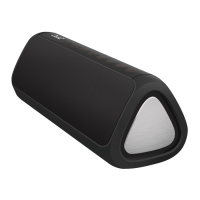
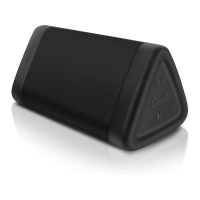
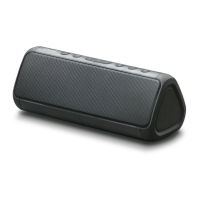
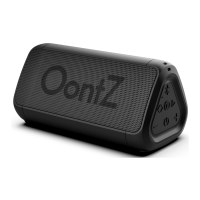
When connected by Bluetooth to a smartphone or iPhone that supports Hands-Free Profile (HFP), the OontZ
Angle 3XL will have Wireless Hands-Free Speakerphone.
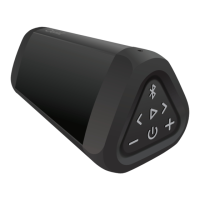
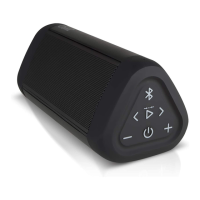
To answer an incoming call, press and release the Bluetooth Button (4). To end a call, press and release the
button. To reject a call, press and hold down the button for about two seconds. You can use your smartphone
to switch between using Hands-Free Speakerphone and the device.
Note 1: An incoming call will be heard on the OontZ Angle 3XL and your voice will be picked up by the inbuilt
microphone. Please keep the speaker close in front of you so you may be heard clearly by the listener.
Note 2: The Personal Speakerphone feature is enabled in Bluetooth mode only, this feature does not function when
using an AUX IN connection to your phone.
Note 3: For some smartphones the call/phone Bluetooth audio needs to be enabled as well as media audio to use the
speakerphone feature.
8
- PAGE 8 -


 To Next Page