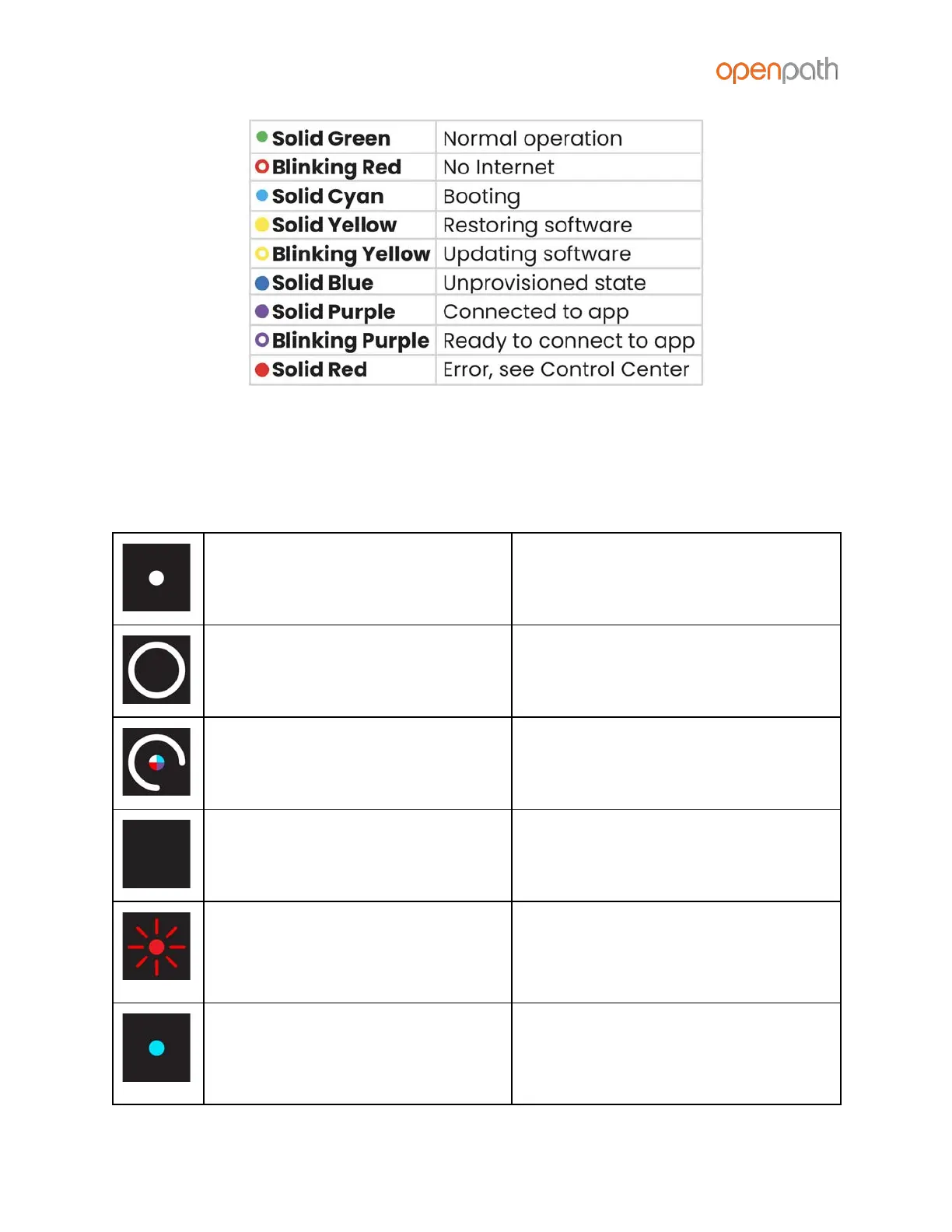
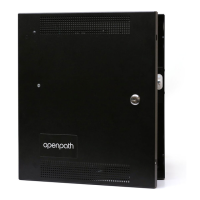
Figure 21: Core Status LED Definitions
READER LEDS
The Openpath Smart Reader’s LEDs indicate the following:
center dot = solid white
outer ring = solid white
center dot quickly switches
between multiple colors and
outer ring quickly spins once
reader has just received power
reader is not connected to power
(check to see if power wires are
swapped)
center dot is flashing red
reader is connected to power but
cannot communicate with the ACU
(check to see if the +B [blue] and -A
[violet] lines are swapped)
center dot is solid blue
reader is connected to power and
can communicate with the ACU, but
has not been configured as an entry
in the Control Center



 To Next Page