10
3 Tiles
Swipe left from right of the screen at the home screen to view tiles.
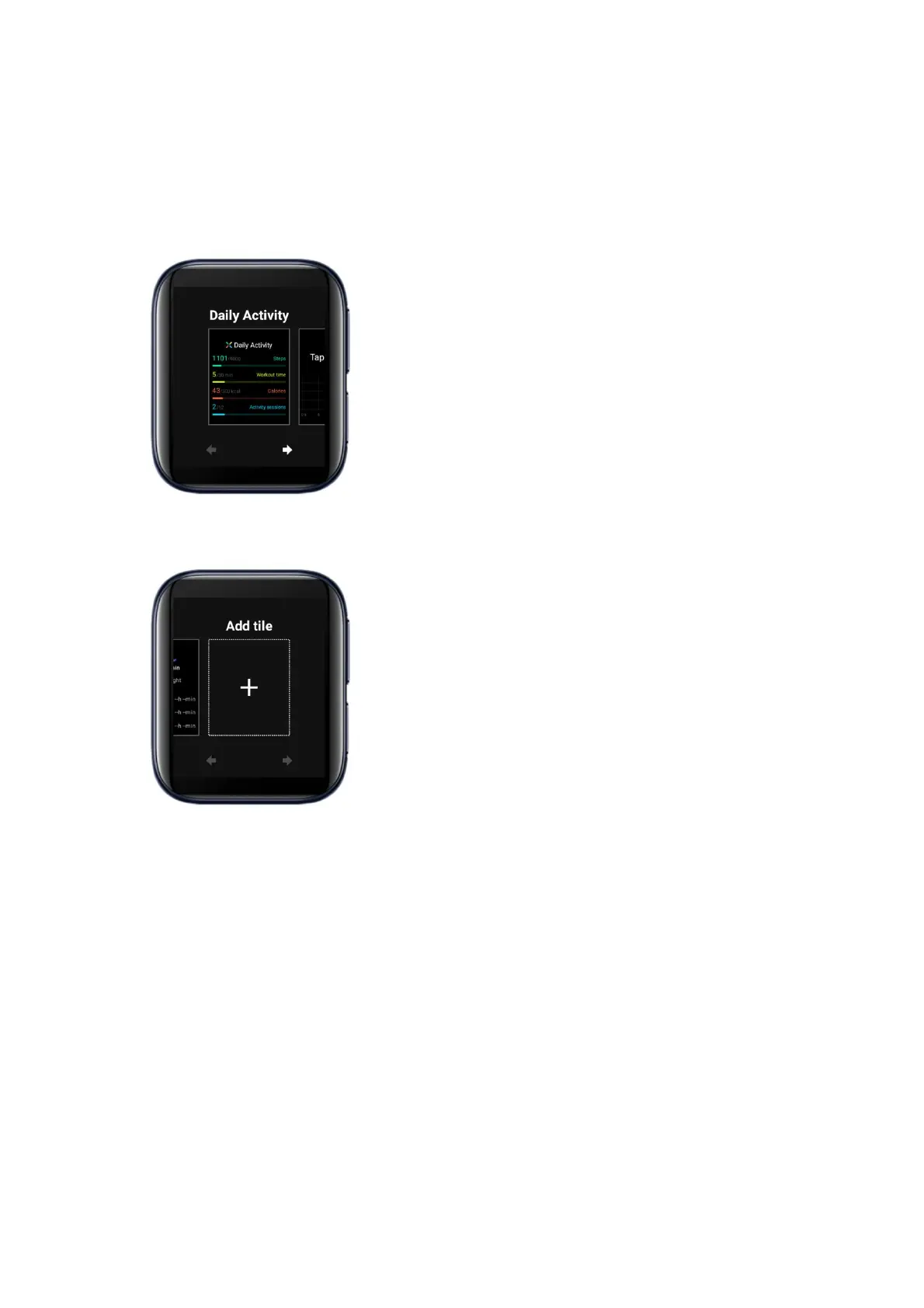
Press and hold a tile to enter editing mode.
Add a tile: slide to the rightmost, tap Add tile, select a tile to add.
Delete a tile: Swipe a tile up or down to delete.
TODO: Add a picture
Adjust the order of the tiles: Tap the arrow keys below a tile to adjust the order
of the tiles.
TODO: Add a picture



 To Next Page