21
8.4 Delete watch face
At home screen, press and hold the watch face. Swipe up or down to delete
the watch face from your favorites. You can add the watch face back later if
you want.
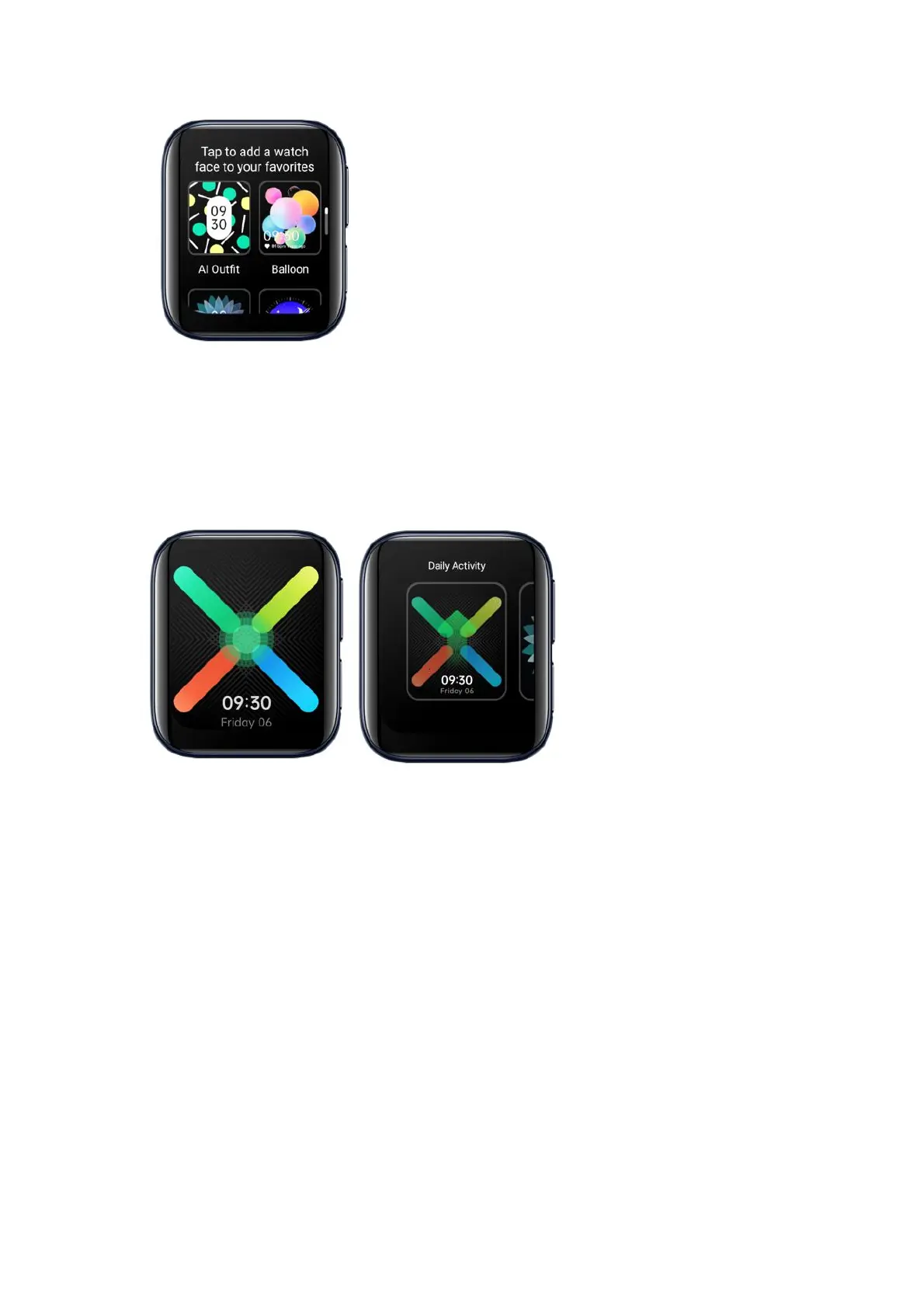
8.5 AI Outfit-matching watch face
Want your watch to match with your outfit? No problem! OPPO’s AI algorithm
can generate a series of watch faces that match with your style.
Tap Watch faces in the HeyTap Health app. Tap AI Outfit.


 To Next Page