3
1 Basic Operations
OPPO Watch supports two types of operations: Touchscreen operations and
button operations.
1.1 Touchscreen operations
Touchscreen operations is one of the basic operations of OPPO Watch. You
can swipe up, down, left and right on the screen to switch the content shown
on the screen, cover the screen with a hand to turn off the screen, and tap to
light up the screen when the screen is dim.
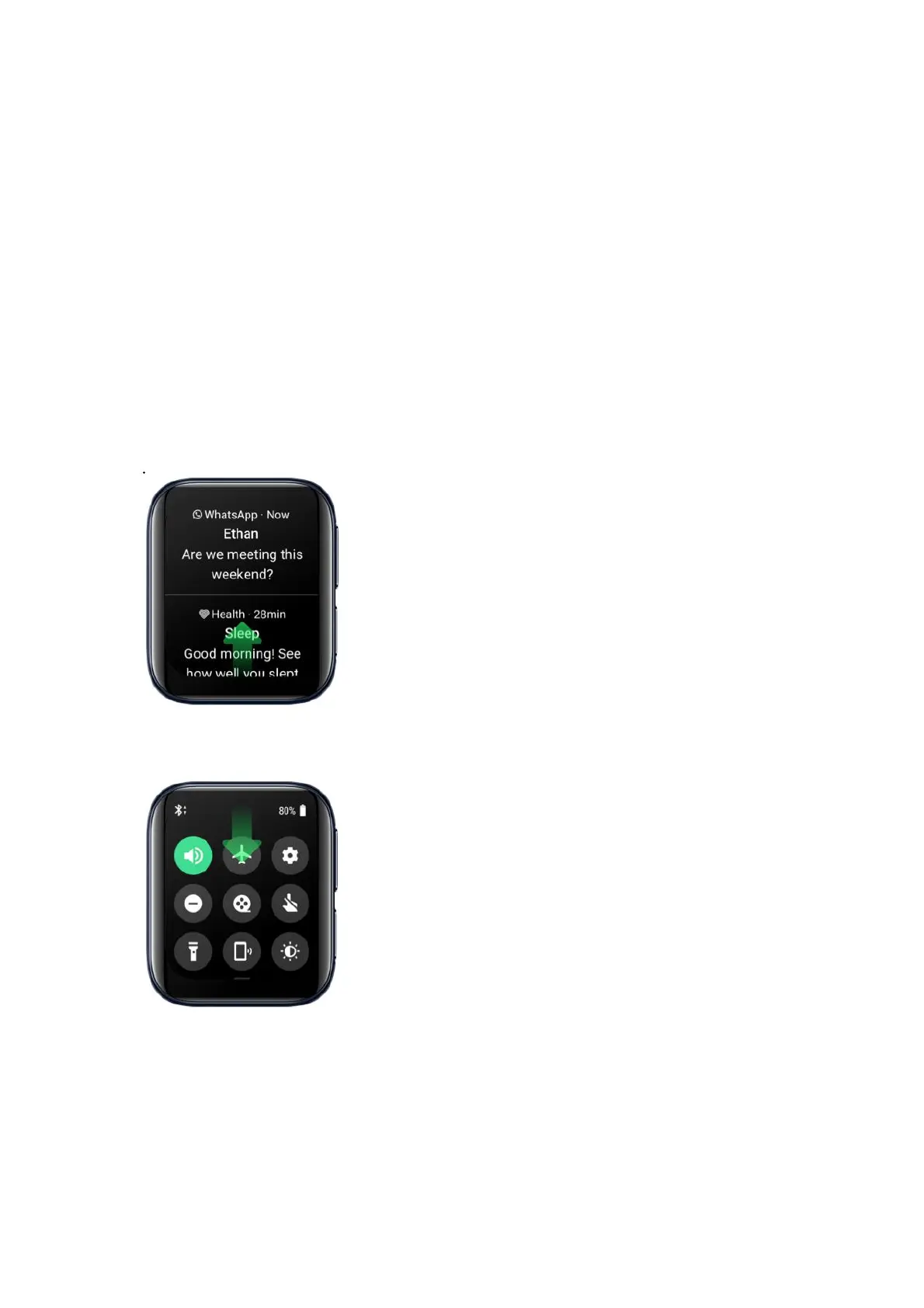
Swipe up from the bottom of the screen to view messages and notifications.
Swipe down from the top of the screen to go to Control Center.
Swipe left from the right of the screen to view collection of Tiles.


 To Next Page