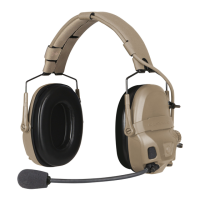
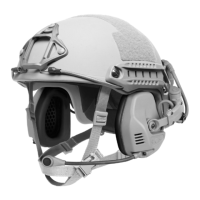
Attaching Headset to ARC Rails on Helmet:
NOTE: Before you begin, ensure that:
• The tab at the bottom of the headset is pointing down.
• The pivot arm button is all the way out (not pushed in) – rotate the pivot arm out to
the second click.
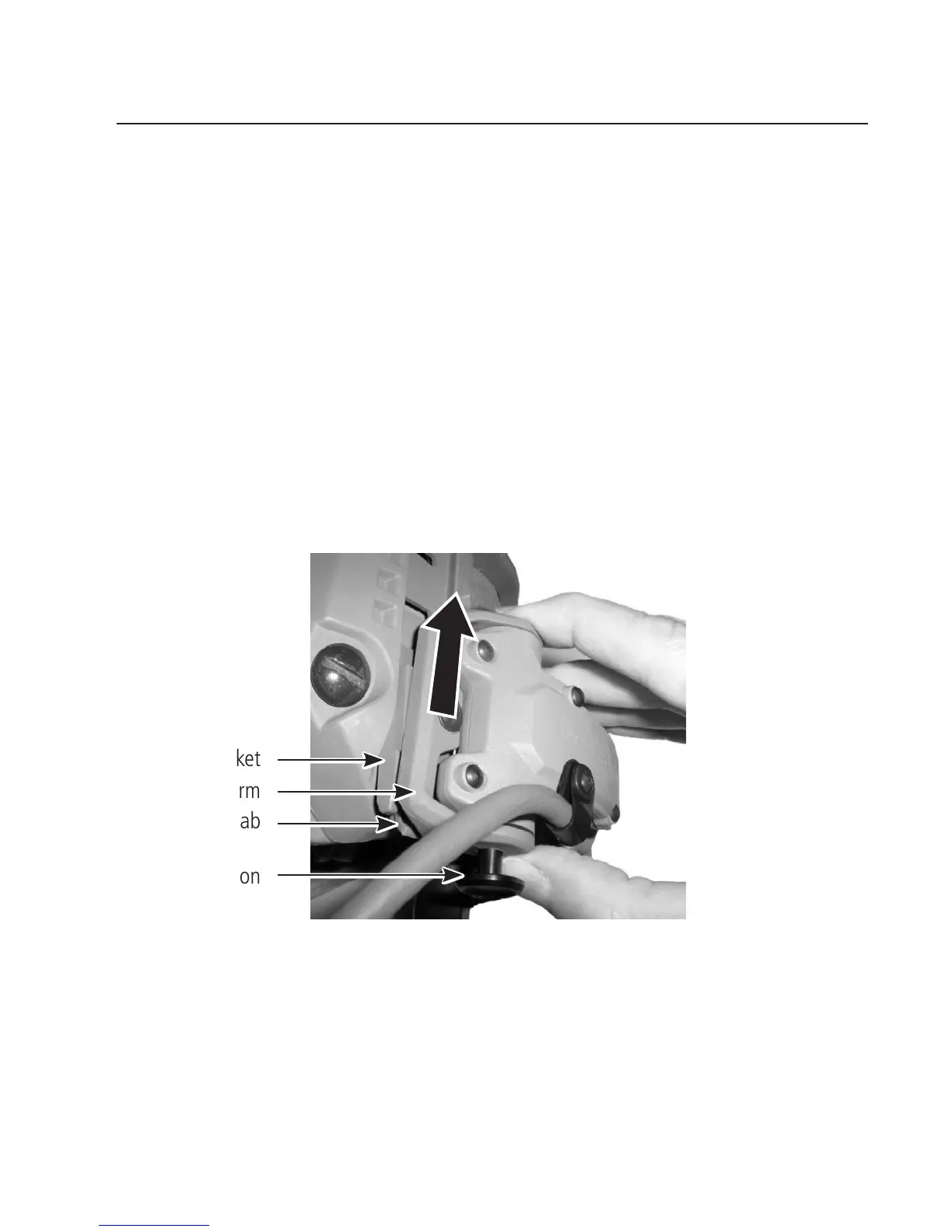
1. On one side of the helmet, align the headset in the rail as shown and slide the
bracket up into the rail until it clicks into the rst slot.
2. Repeat for the other side.
9
NOTE: To remove the headset from the rails, lift the tab up (using
a at tool if needed) and slide the headset out, moving the pivot arm as
necessary to gain access to the tab.
ATTACHING HEADSET TO HELMET
Bracket
Pivot Arm
Tab
Pivot Arm Button


 To Next Page